CamScanner
  • Tools
    Scan
    • Scan Documents
    • Scan IDs
    • Scan Books
    • Scan Test Papers
    • Capture Whiteboards
    • Capture Slides
    • Image to Text
    Convert PDF
    • PDF to Word
    • Word to PDF
    • PDF to Excel
    • Excel to PDF
    • PDF to PPT
    • PPT to PDF
    • PDF to JPG
    • JPG to PDF
    Edit PDF
    • Merge PDF
    • Split PDF
    • Organize PDF
    • Rotate PDF Pages
    • Delete PDF Pages
    • Add Watermark
    • Protect PDF
    • Sign PDF
    App-Only
    • MeasureMeasure distances with your phone.
    • Ask AIAsk AI questions and get answers on any topic.
    • ScrollshotCapture full-page scrolling screenshots.
    • CountCamCount objects with your camera.
  • Premium
  • For Business
  • Download
  • Devices
  • AI Agent
  • 简体中文繁體中文EnglishBahasa IndonesiaEspañol
简体中文繁體中文EnglishBahasa IndonesiaEspañol
Web AppSign In
PDF to WordWord to PDFImage to TextPDF to ExcelExcel to PDFPDF to PPTPPT to PDFPDF to JPGJPG to PDF
Merge PDFSplit PDFOrganize PDFRotate PDF PagesDelete PDF PagesAdd WatermarkProtect PDFSign PDF

Image to Text Converter Online

Pull editable text out of photos, screenshots, and scanned pages with OCR, then send it to Word, Excel, or your clipboard.

CamScanner Ensures File Security

We care about privacy. Our PDF converter secures your files with 256-bit SSL Encryption, and the data you submit won't be shared with or accessed by any other parties.

Image to Text Online Reader

There is no need to install a program or download an app. CamScanner works online with any web-browser. All you need is a stable internet connection.

Cloud-Based Recognition Service

We have many servers in the cloud which do nothing else than reading text off images. So, lean back and let them do the work.

Text You Can Select, Not a Picture of Text

A photo of a page holds no text a computer can find. OCR reads the characters, works out where the lines and paragraphs sit, and hands back content you can edit, search, and copy.

Sixty-Plus Languages, Mixed Pages Included

Chinese, English, Japanese, Korean, French, German, Spanish, Russian, and more. A page that switches between two scripts mid-paragraph still comes through.

Straight Into Word, Excel, or Your Clipboard

Send a recognized page to Word to keep editing, to Excel when the image held a table, or copy it to the clipboard when you just need a paragraph pasted somewhere.

How to Convert Image to Text Online

  1. Open the CamScanner Image to Text converter

    Works in your browser on any device — nothing to install.

  2. Add your image

    Drag and drop the photo or screenshot, pick it from your device, or import it from your CamScanner account.

  3. Let OCR read the page

    CamScanner recognizes the characters and rebuilds the text layout.

  4. Copy it or download it

    Send the result to Word or Excel, download it as plain text, or copy it straight to your clipboard.

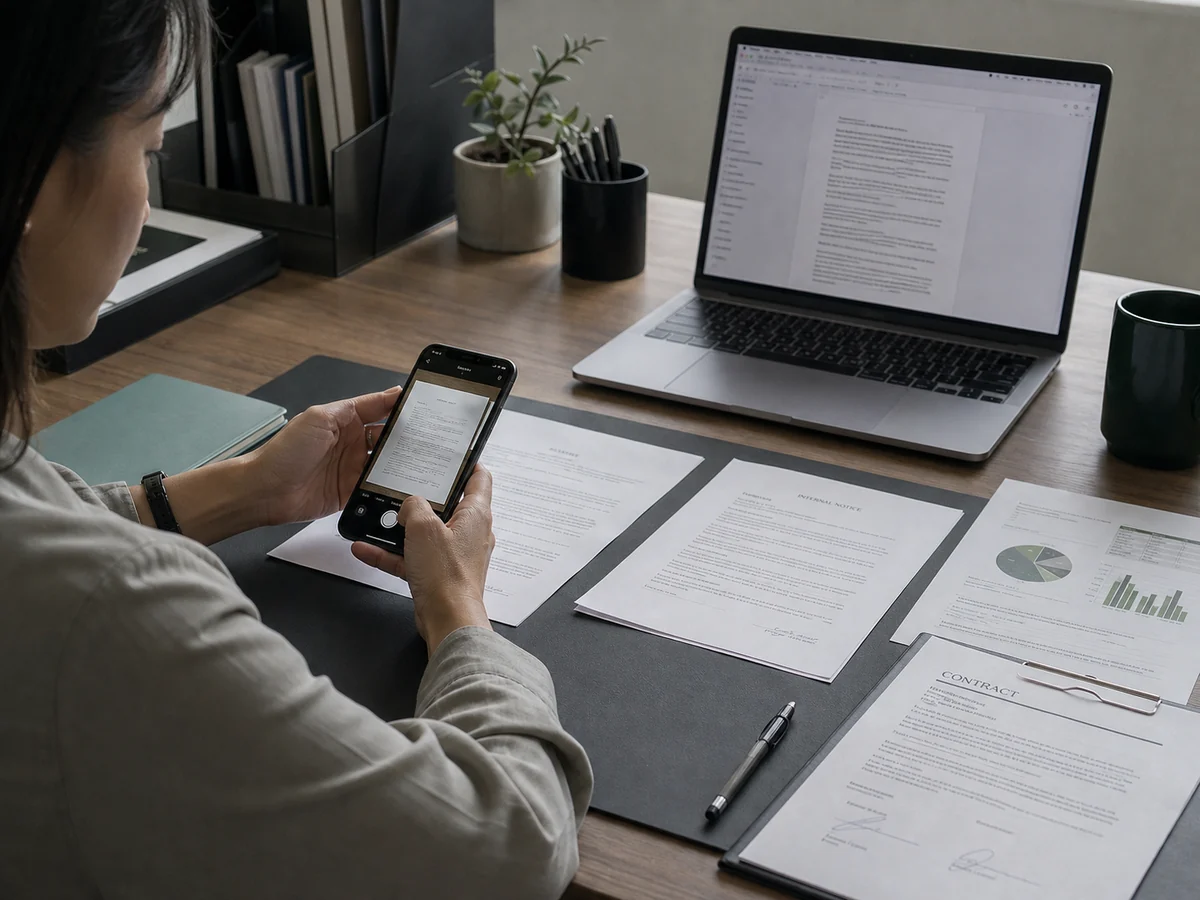
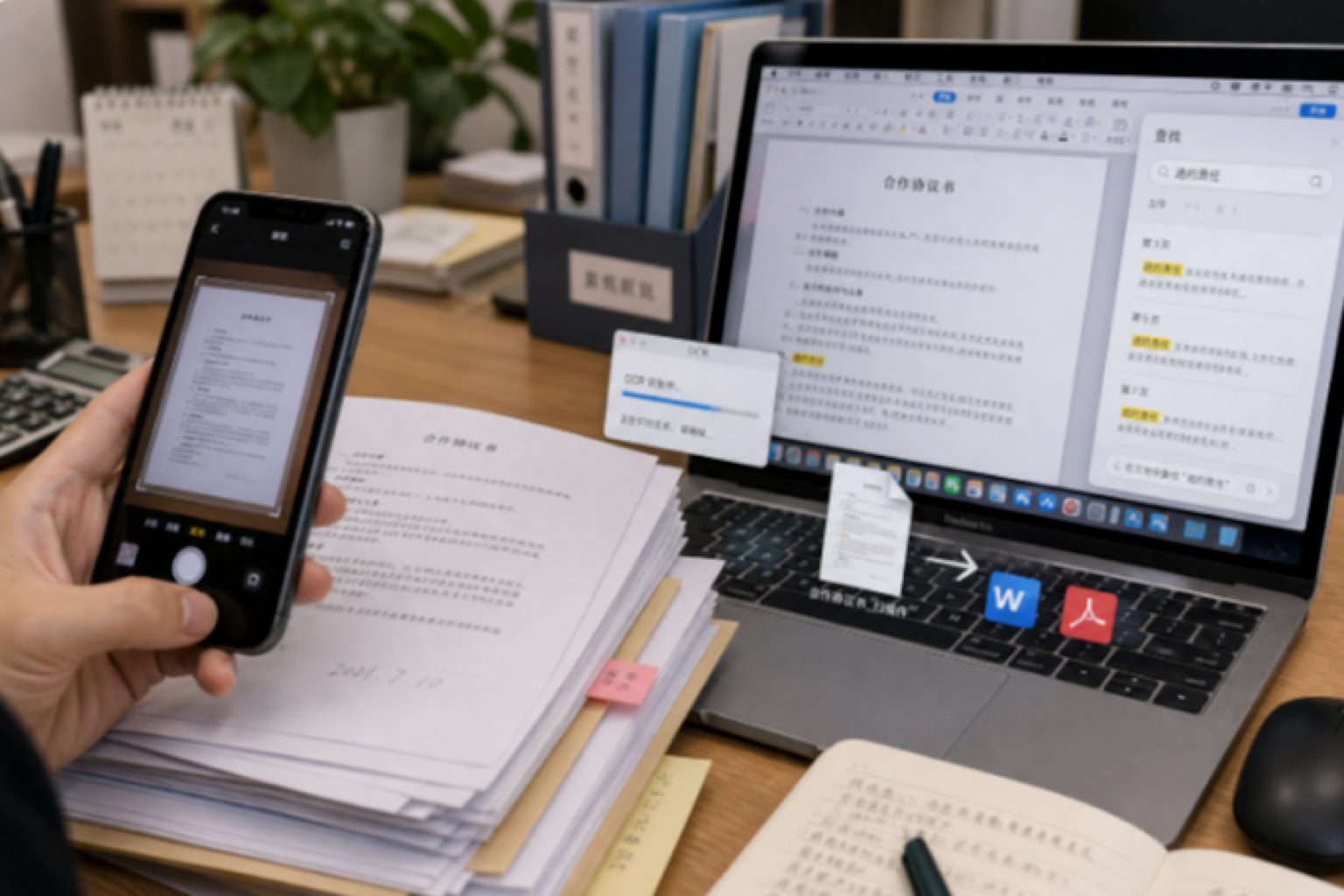
Turn Paper Documents into Editable Files in Seconds

Got a thick stack of contracts, records, and invoices to get into your computer, and tired of typing them out word by word? Take a photo, extract the text with CamScanner OCR, and turn it straight into an editable Word or PDF file. Archiving, searching, and later editing all become easy, so digitizing paper documents happens in a single step.
Turn Paper Documents into Editable Files in Seconds

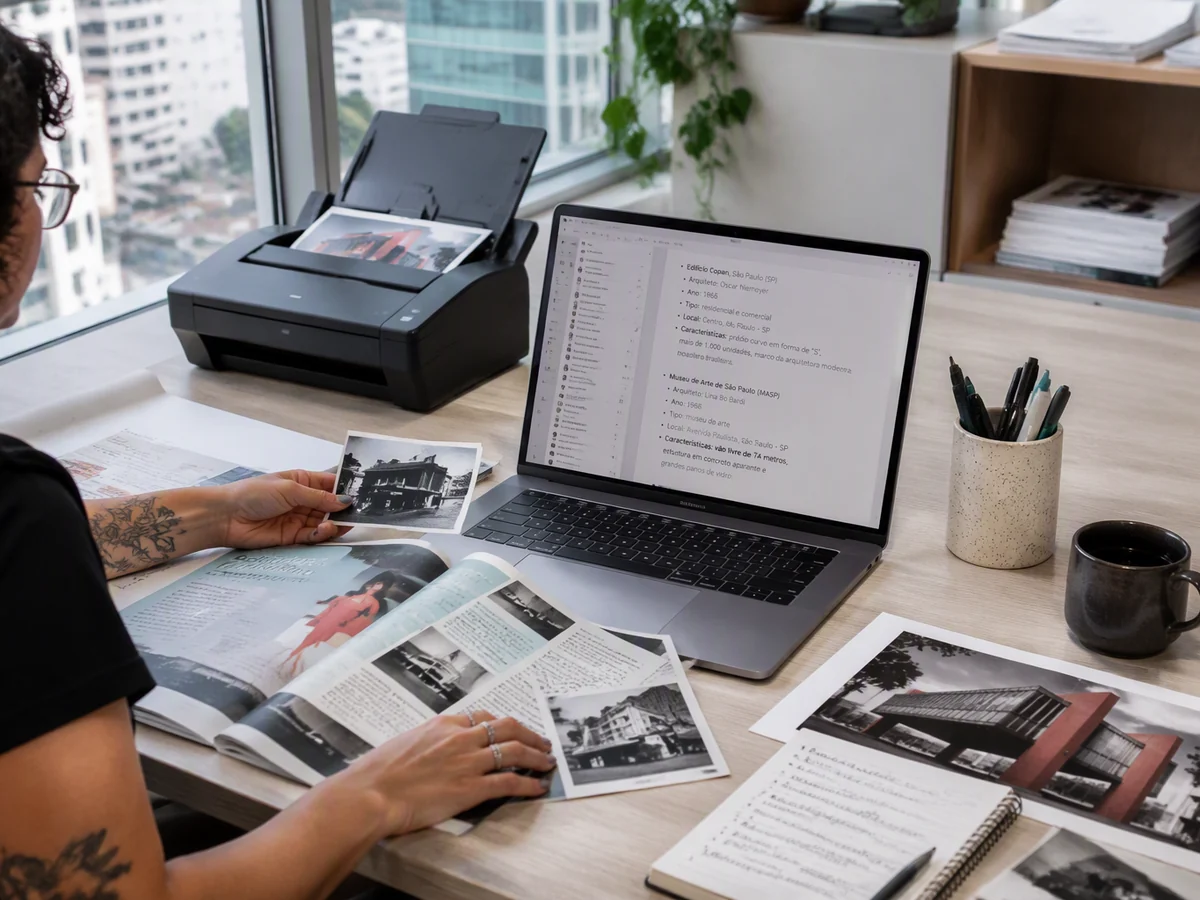
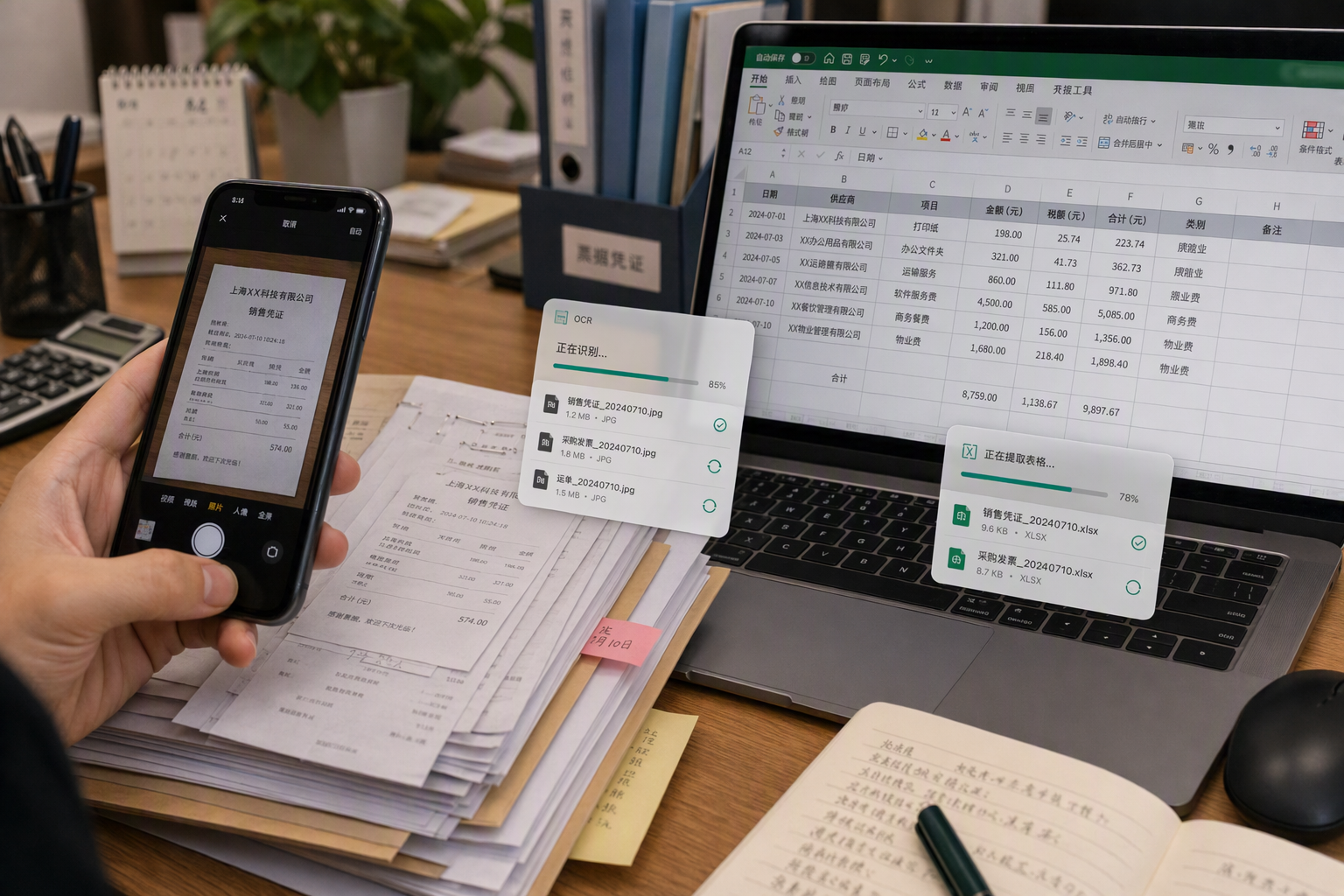
Extract Data from Forms in Bulk, No More Late-Night Typing

Piles of expense claims, shipping slips, and lab reports to enter, and typing them in until midnight while worrying about mistakes? Recognize and extract them in bulk with CamScanner OCR, and the numbers go straight into an Excel spreadsheet, with amounts landing in the right cells automatically. Reconciling accounts and building reports for finance and admin gets twice as fast, with no all-nighters required.

Extract Data from Forms in Bulk, No More Late-Night Typing

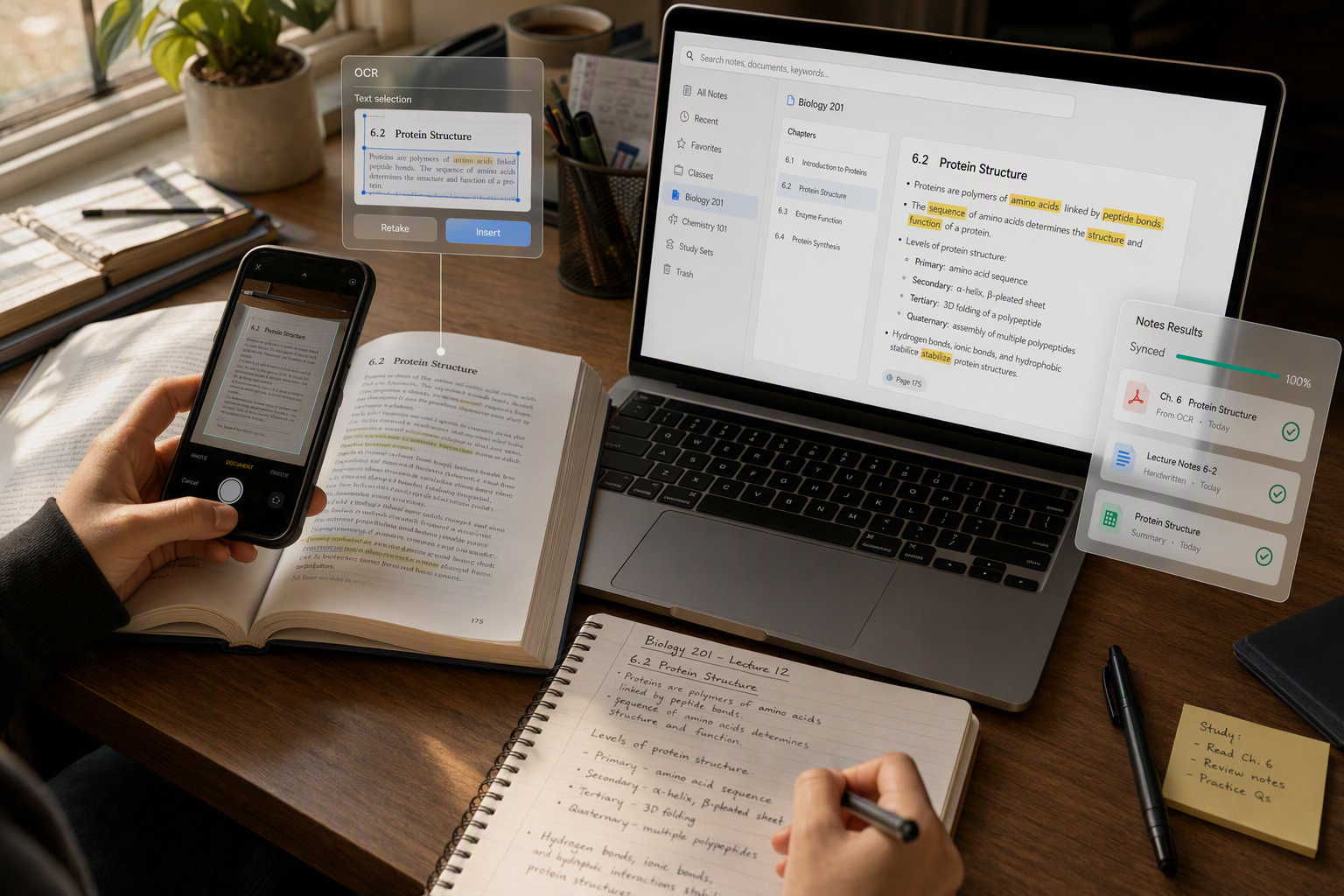
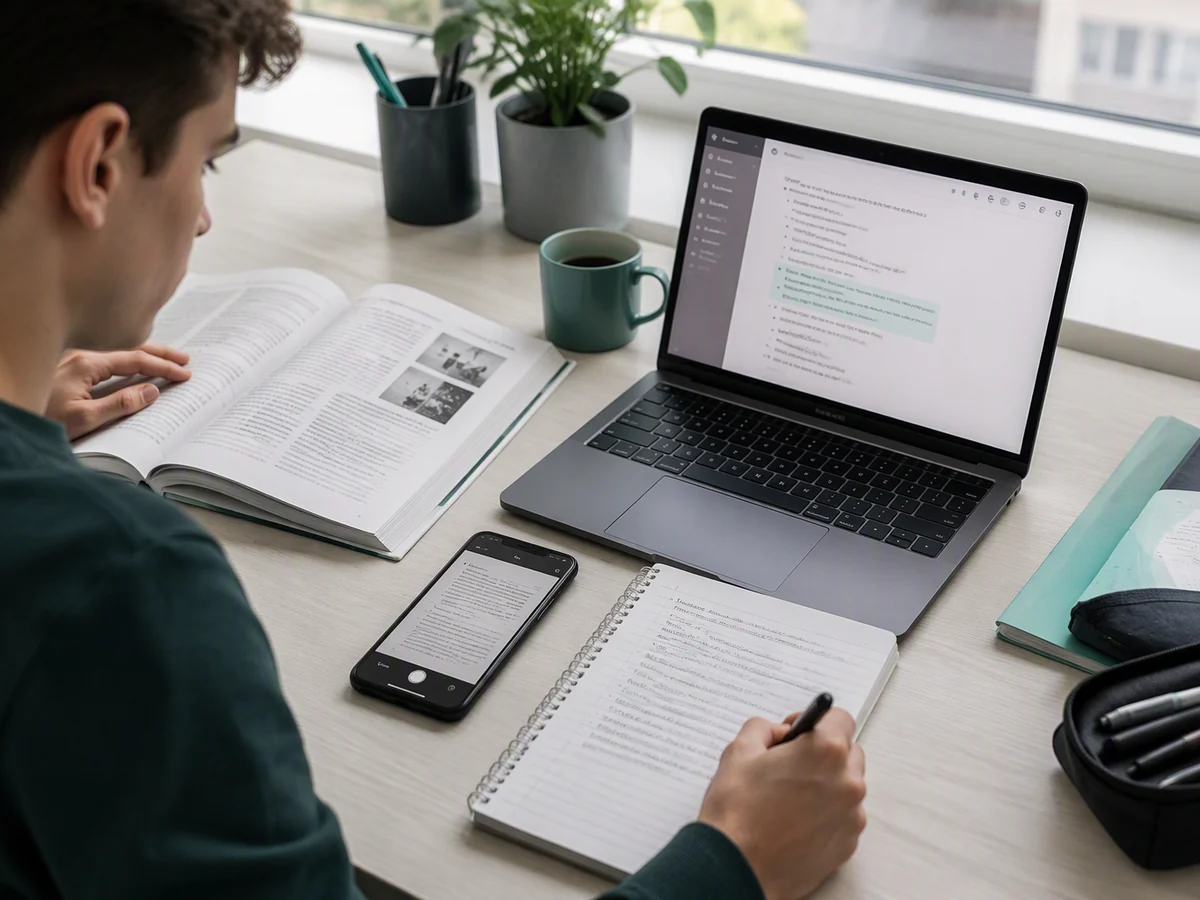
Turn Textbooks and Notes into Text for More Efficient Review

Want to get paper textbooks, mistake journals, and handwritten notes into your note-taking app? Snap them and convert them to digital text with CamScanner OCR, so you can search, edit, and annotate on the fly, and even build a searchable e-book. Everything is one tap away when you study, and you'll never have to copy it all out by hand again.

Turn Textbooks and Notes into Text for More Efficient Review

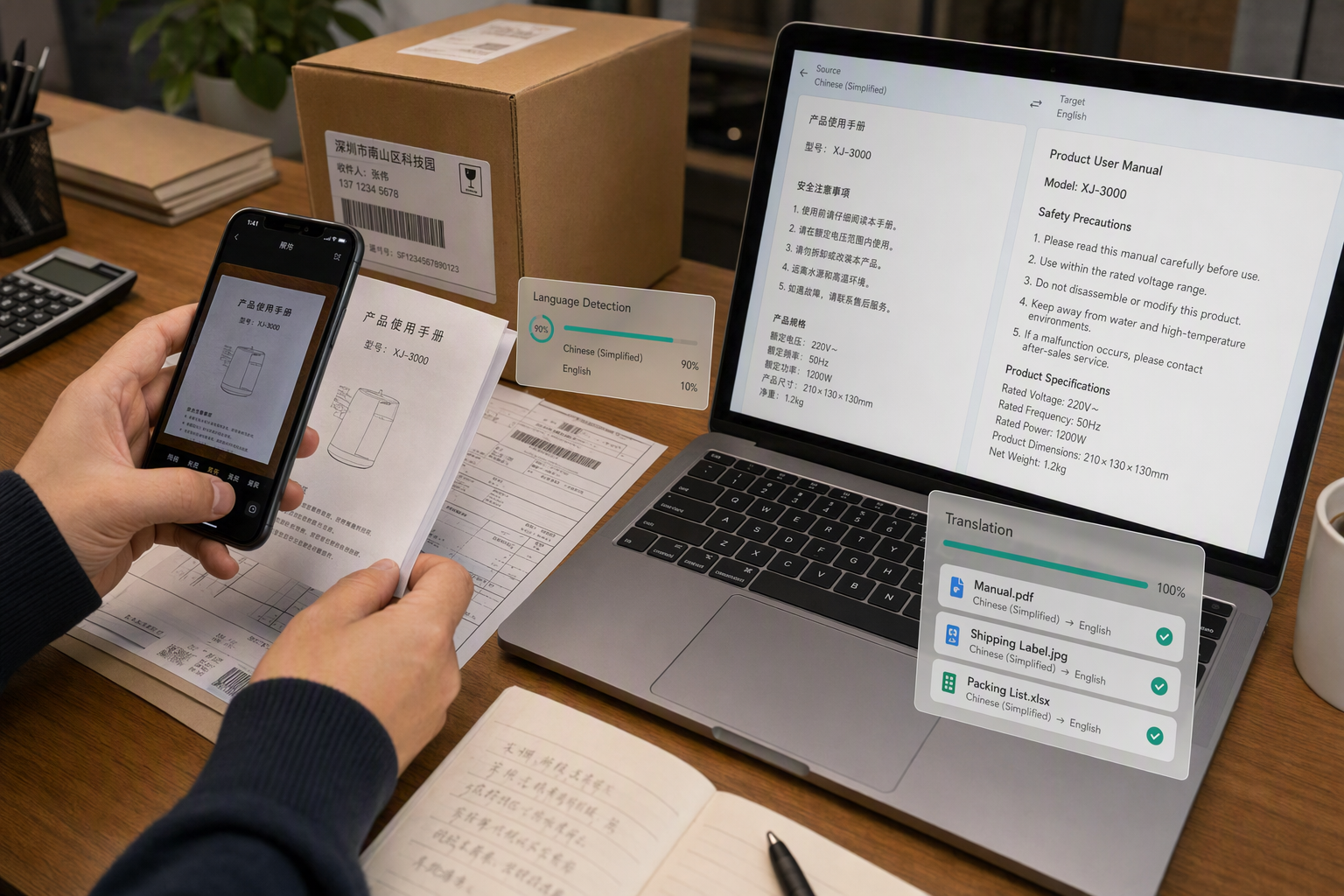
Turn Foreign-Language Images into Text and Communicate with Ease

Can't read foreign-language product images, manuals, or email screenshots? Extract the text from the image with CamScanner and pair it with translation to understand the content fast. Cross-border sellers and foreign trade teams no longer get stuck on language, and handling overseas information becomes quick and accurate.

Turn Foreign-Language Images into Text and Communicate with Ease

What users say about CamScanner Image to Text

Thomas Weber

Researcher

Archive material comes to me as scans and photographs, and quoting from it used to mean transcribing by hand. OCR turns a page image into text I can search, which is the difference between finding a reference in seconds and reading forty pages to locate it. For older print the recognition isn't perfect, but correcting a few characters beats retyping a paragraph.

Layla Hassan

Content Creator

Half the material I want to quote lives in a screenshot or a photo of a printed page. Running it through OCR gets me the text without retyping it, so I can pull a passage into a draft and credit it properly. It also means I can search back through old screenshots for something I remember reading.

Jasmine Carter

Student

Lecturers fill a whiteboard and wipe it before I've finished writing, so I photograph it instead. OCR converts those photos into notes I can actually revise from, and I do the same with textbook pages I don't want to carry around. Searching my own notes by keyword is what makes it worth it.

FAQ

Can I convert image to text for free?

Yes. You can run OCR in your browser without installing anything.

Which languages can it recognize?

Over 40, including Chinese, English, Japanese, Korean. A page mixing two scripts still comes through.

How accurate is the recognition?

High for clear print. Typed text on a flat, evenly lit page comes back close to exact. Accuracy drops with blur, glare, shadows across the page, heavy skew, and very small print. Photographing the page flat with even light makes more difference than anything else.

Can it read handwriting?

Sometimes. Neat, separated handwriting often converts well enough to be useful. Cursive, rushed notes, and mixed handwriting with print are much less reliable — expect to correct the result.

What format will the text come out as?

Word, Excel, plain text, or your clipboard. Pick Excel when the image held a table, Word when you want to keep editing, and the clipboard when you just need to paste a passage somewhere.

Can I run OCR on Mac or mobile?

Yes. It runs in any browser on macOS, Windows, Linux, iOS, and Android. You can also use the CamScanner app for iOS and Android.

Is my data secure when converting image to text?

Yes. Files are encrypted in transit and never shared with third parties. CamScanner is certified to ISO/IEC 27001, ISO/IEC 27701, and ISO/IEC 20000.

Why is some of my text missing or garbled?

Usually the image, not the text. Glare, a shadow falling across the page, a curved spine, or a photo taken at an angle all break recognition. Retaking the shot flat under even light fixes most cases.

CamScanner on the Web

Use Image to Text directly in your browser, with no installation.

CamScanner Mobile App

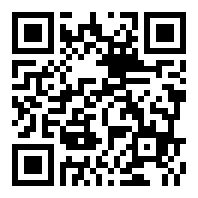
Scan the QR code to download the app, and capture with enhancement in one step.

QR code to download CamScanner
Terms of Service|Privacy Policy|Security & Compliance|AI Agent|FAQ|Blog
Follow us
© 2026 INTSIG. All rights reserved.
CamScanner

Cookies Settings

These cookies are essential in order to enable you to move around the website and use its features. Without these cookies services you have asked for cannot be provided.

We'd like to set Google Analytics or Baidu Analytics cookies to help us to improve our website by collecting and reporting information on how you use it. The cookies collect information in a way that does not directly anyone. For more information on how these cookies work, please see our 'Cookies page'.