CamScanner
  • Tools
    Scan
    • Scan Documents
    • Scan IDs
    • Scan Books
    • Scan Test Papers
    • Capture Whiteboards
    • Capture Slides
    • Image to Text
    Convert PDF
    • PDF to Word
    • Word to PDF
    • PDF to Excel
    • Excel to PDF
    • PDF to PPT
    • PPT to PDF
    • PDF to JPG
    • JPG to PDF
    Edit PDF
    • Merge PDF
    • Split PDF
    • Organize PDF
    • Rotate PDF Pages
    • Delete PDF Pages
    • Add Watermark
    • Protect PDF
    • Sign PDF
    App-Only
    • MeasureMeasure distances with your phone.
    • Ask AIAsk AI questions and get answers on any topic.
    • ScrollshotCapture full-page scrolling screenshots.
    • CountCamCount objects with your camera.
  • Premium
  • For Business
  • Download
  • Devices
  • AI Agent
  • 简体中文繁體中文EnglishBahasa IndonesiaEspañol
简体中文繁體中文EnglishBahasa IndonesiaEspañol
Web AppSign In
PDF to WordWord to PDFImage to TextPDF to ExcelExcel to PDFPDF to PPTPPT to PDFPDF to JPGJPG to PDF
Merge PDFSplit PDFOrganize PDFRotate PDF PagesDelete PDF PagesAdd WatermarkProtect PDFSign PDF

Merge PDF Files Online

Combine multiple PDF files into a single document, arranged in the order you choose.

CamScanner Ensures File Security

We care about privacy. Our PDF converter secures your files with 256-bit SSL Encryption, and the data you submit won't be shared with or accessed by any other parties.

Merge PDF Online

There is no need to install a program or download an app. CamScanner works online with any web-browser. All you need is a stable internet connection.

Cloud-Based Processing Service

We have many servers in the cloud which do nothing else but merge PDF files. So, lean back and let them do the work.

Separate Files, One Complete Document

Combine contracts and attachments, application materials, or course documents into a single PDF. Related files stay together, so the person receiving them has one document to open instead of several.

Put Your Files in Reading Order

Arrange your PDF files in the sequence you want before merging. Place the main document first and supporting materials after it, so the combined file reads in a clear, logical order.

One PDF to Save and Share

Send one combined PDF instead of several separate attachments. It gives you a single file to save and share, and helps recipients keep the full set of documents together.

How to Merge PDF Files Online

  1. Open the CamScanner Merge PDF tool

    Works in your browser — nothing to install.

  2. Add your PDF files

    Drag and drop the files, pick them from your device, or import them from your CamScanner account.

  3. Arrange the files and click Merge

    Put the files in the order you want. CamScanner combines them into a single PDF.

  4. Download your merged PDF

    Save the file to your device, ready to send or keep for reference.

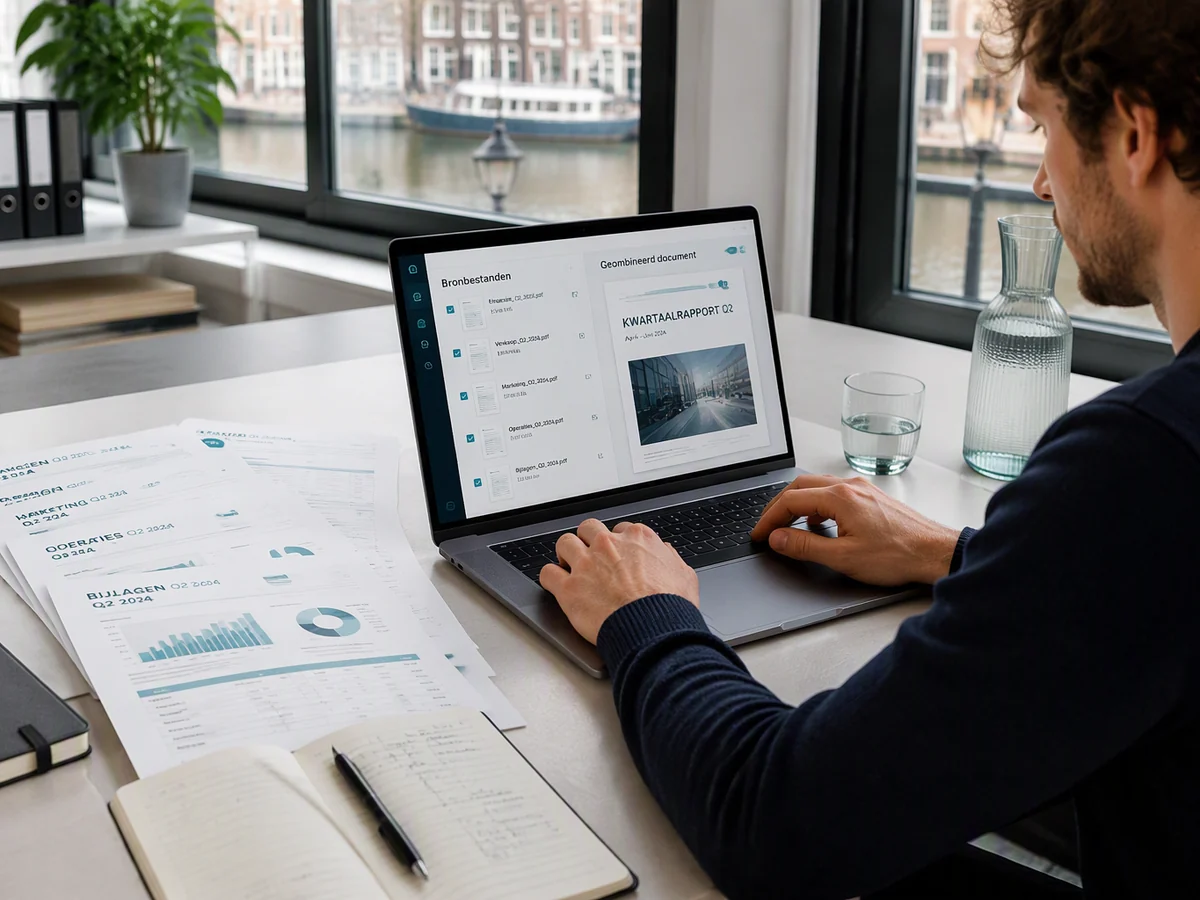
Combine Scattered Files into One for Easier Sending and Filing

Work reports, meeting attachments, and project plans scattered across several PDFs? Sending them one by one gets messy and easy to miss. Use CamScanner to merge PDFs into one complete document in order, then send, print, and archive it all at once. It stays clear, organized, and easy for colleagues and managers to follow.
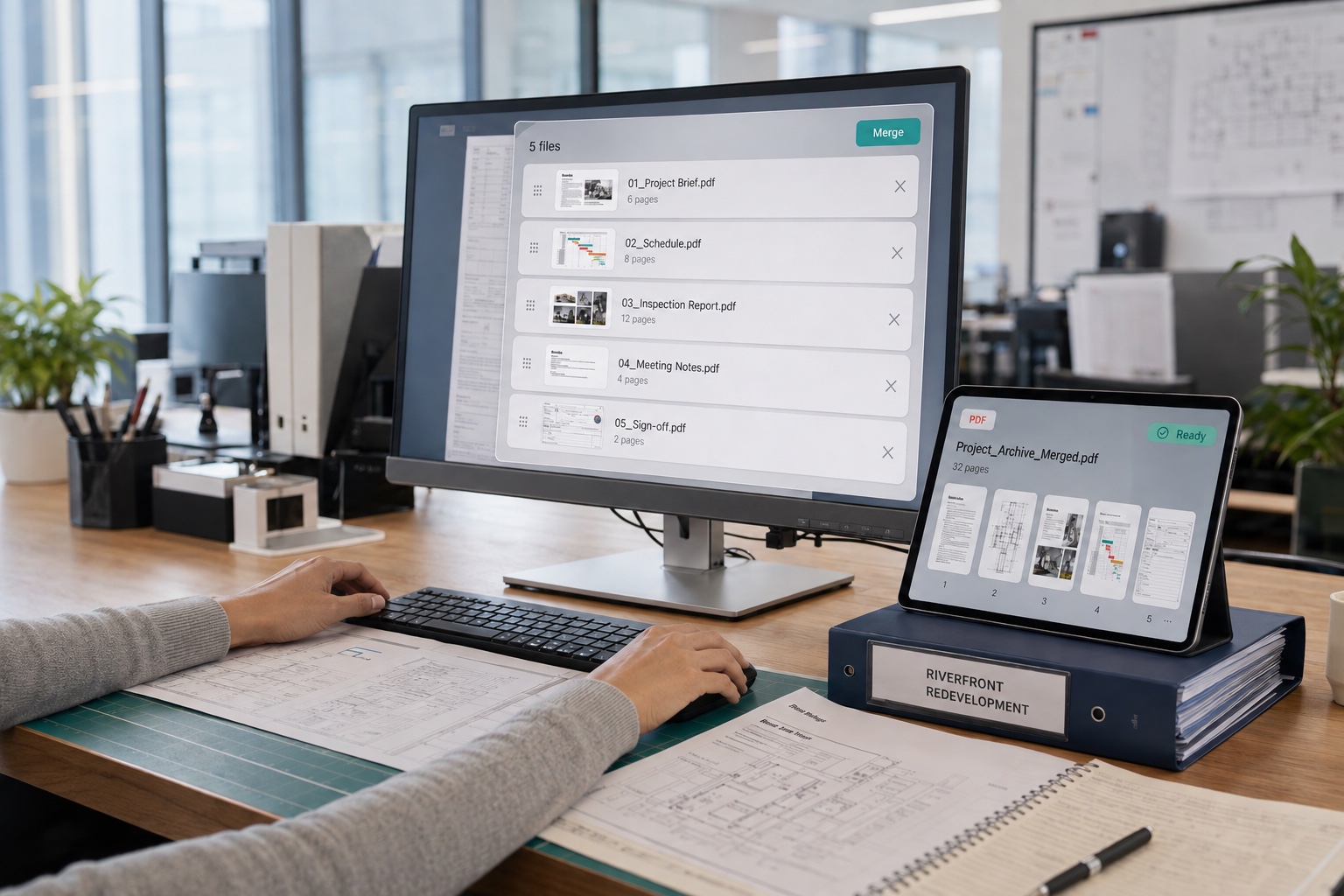
Combine Scattered Files into One for Easier Sending and Filing

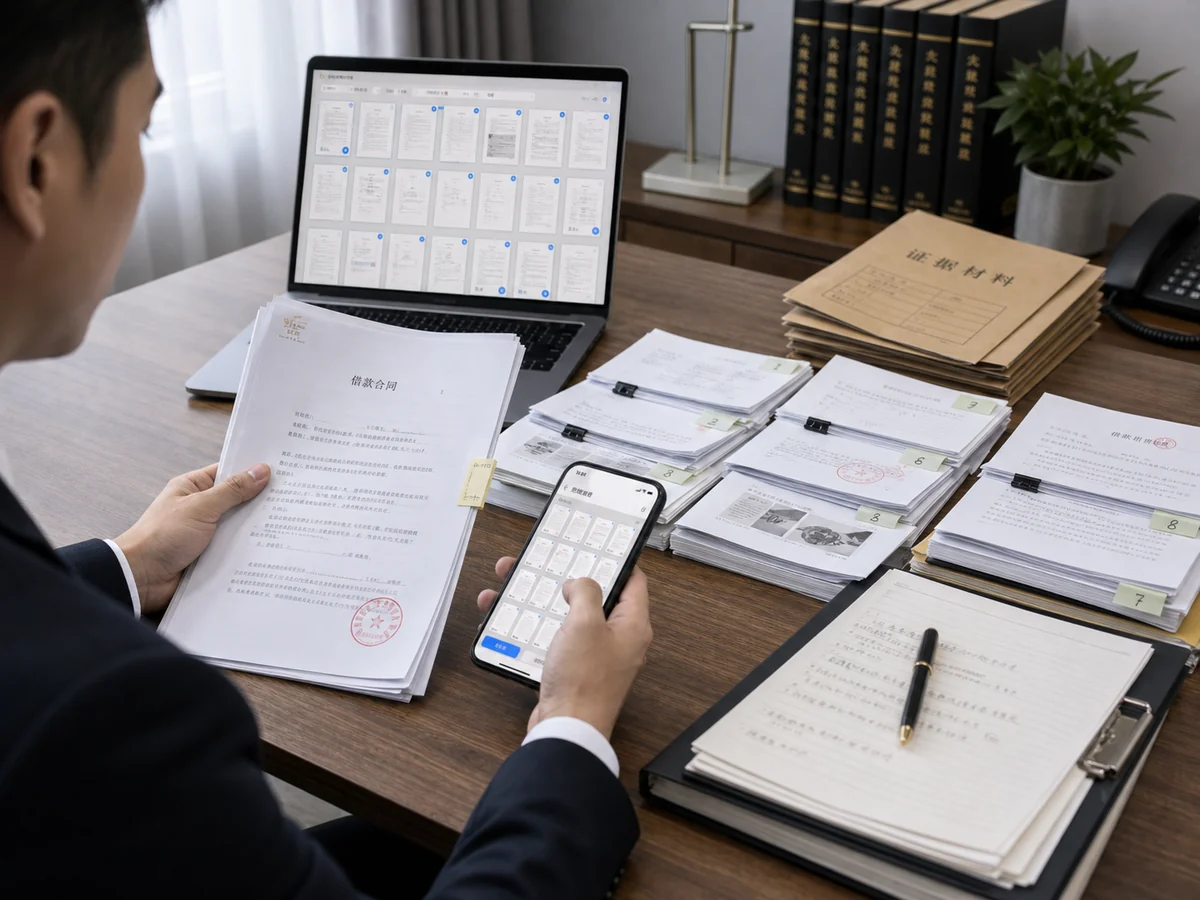
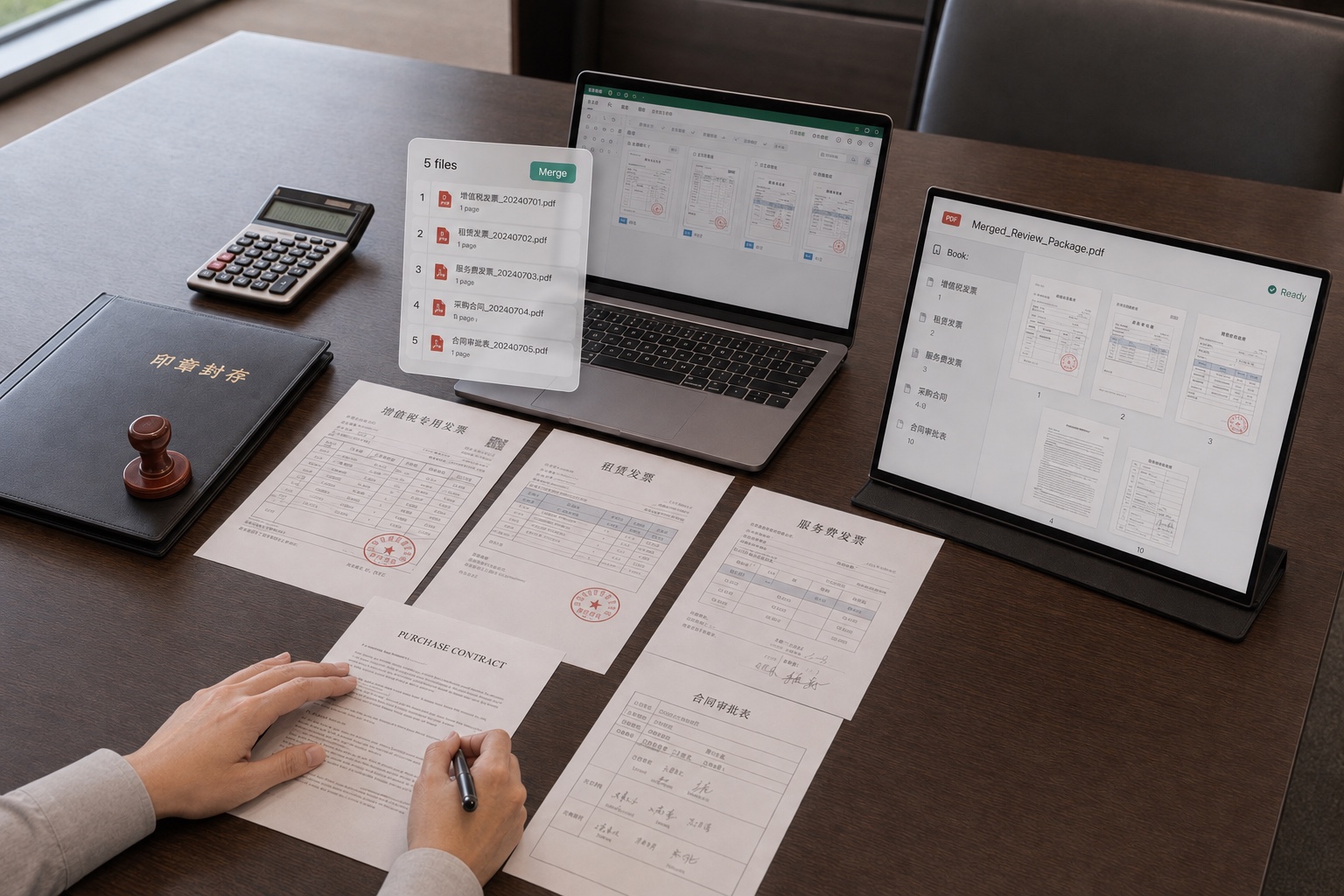
Consolidate Invoices and Contracts, Keeping Finance and Legal Error-Free

Need to gather multiple invoices and expense reports for finance, or combine a contract's body, attachments, and signature pages into one complete document for legal? Use CamScanner to merge everything into a single PDF. Pages in order, none missing. Reimbursements and signed filings get done in one step, rigorous and efficient.

Consolidate Invoices and Contracts, Keeping Finance and Legal Error-Free

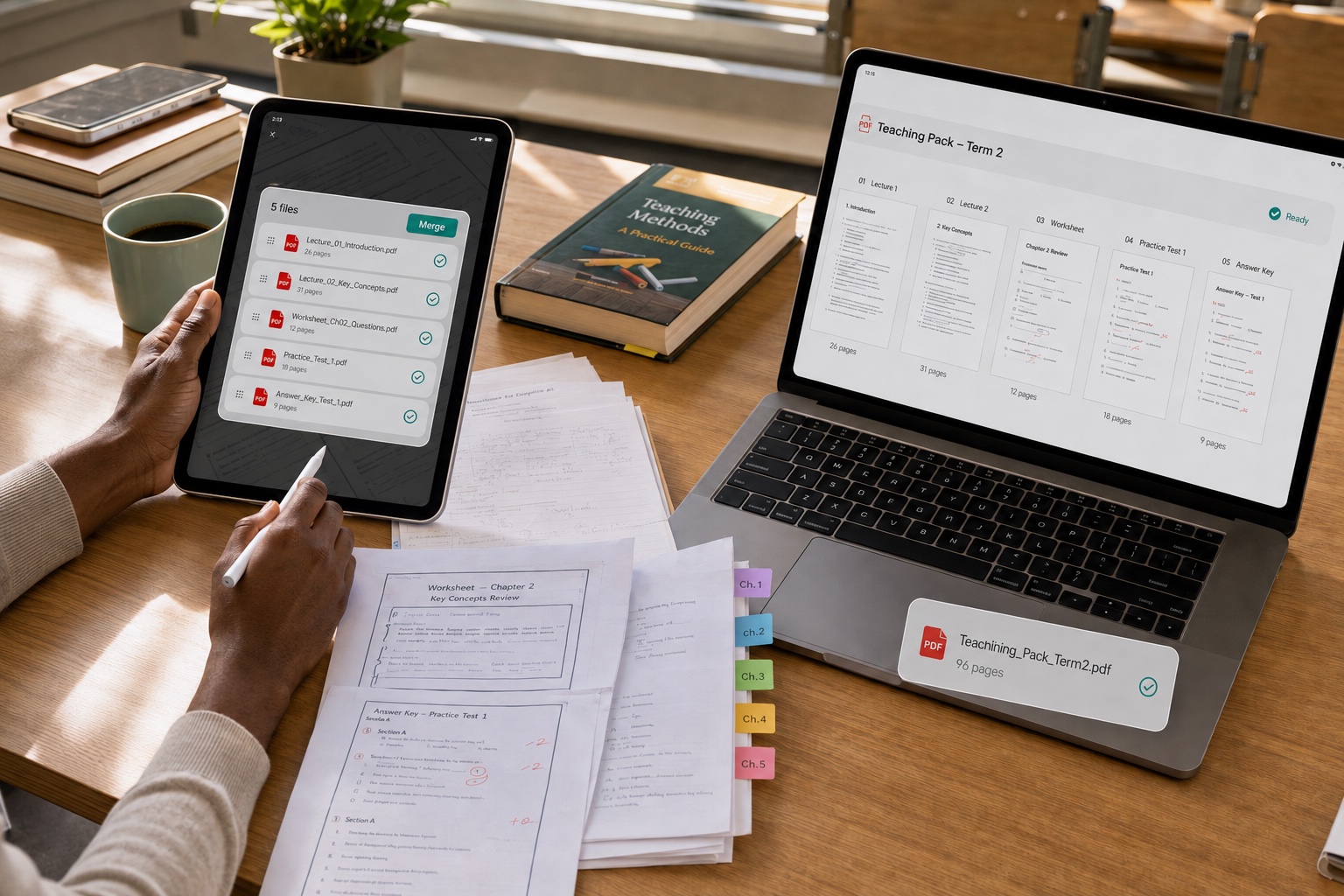
Merge Handouts and Past Exams into Well-Organized Teaching and Study Materials

Teachers compiling scattered handouts and slides into unified teaching materials, or students combining textbooks, past exams, and notes into a personal study pack? Use CamScanner to merge PDFs in one go. Materials stay complete instead of scattered, making lesson prep and revision far more organized.

Merge Handouts and Past Exams into Well-Organized Teaching and Study Materials

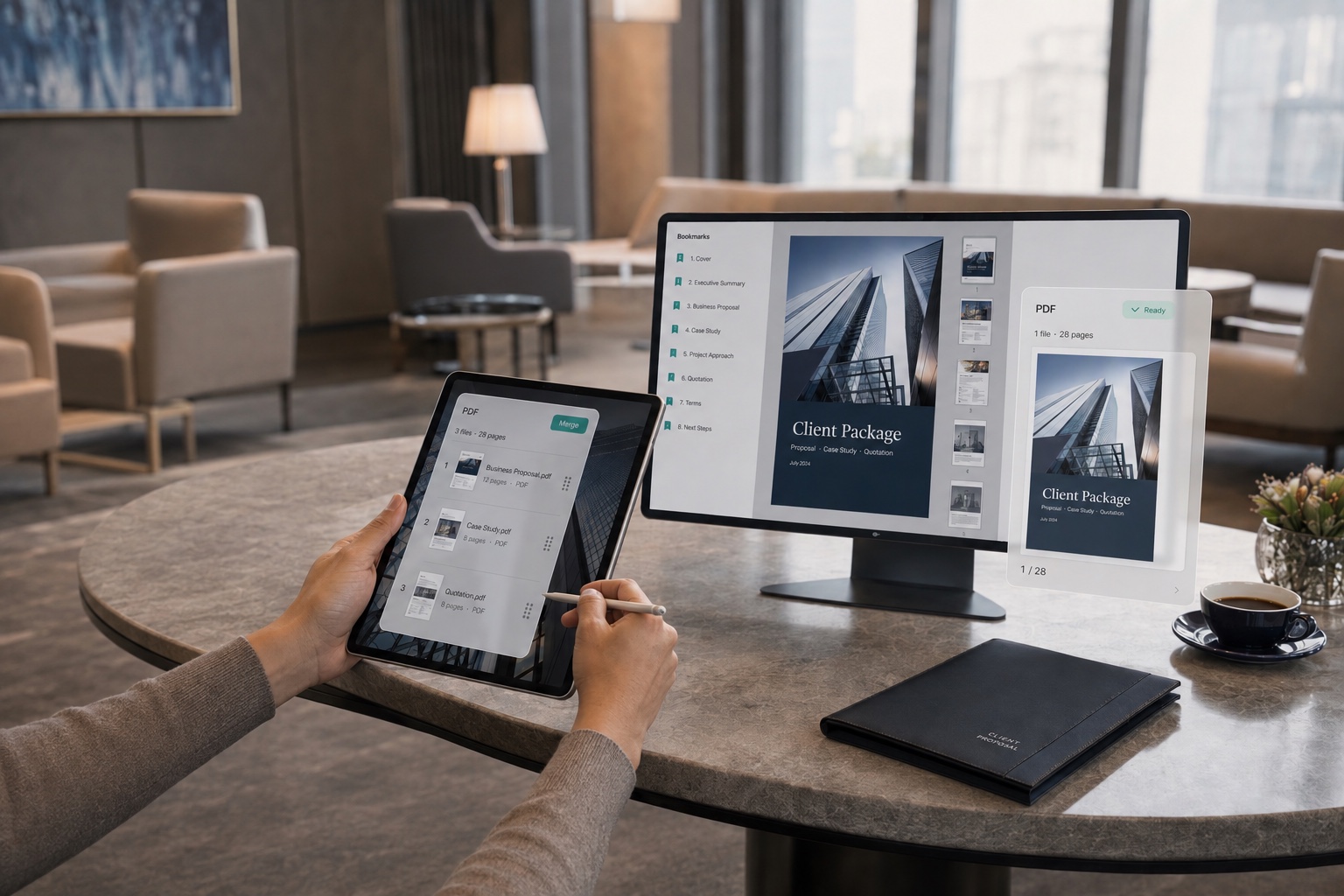
Combine Proposals and Quotes for a More Professional Client Pitch

Product quotes, service proposals, and case studies split across several files look scattered when sent to clients? Use CamScanner to merge them into one polished PDF proposal, a complete presentation that looks more professional. Organizing and sharing happen in one step, making business communication more efficient and effortless.

Combine Proposals and Quotes for a More Professional Client Pitch

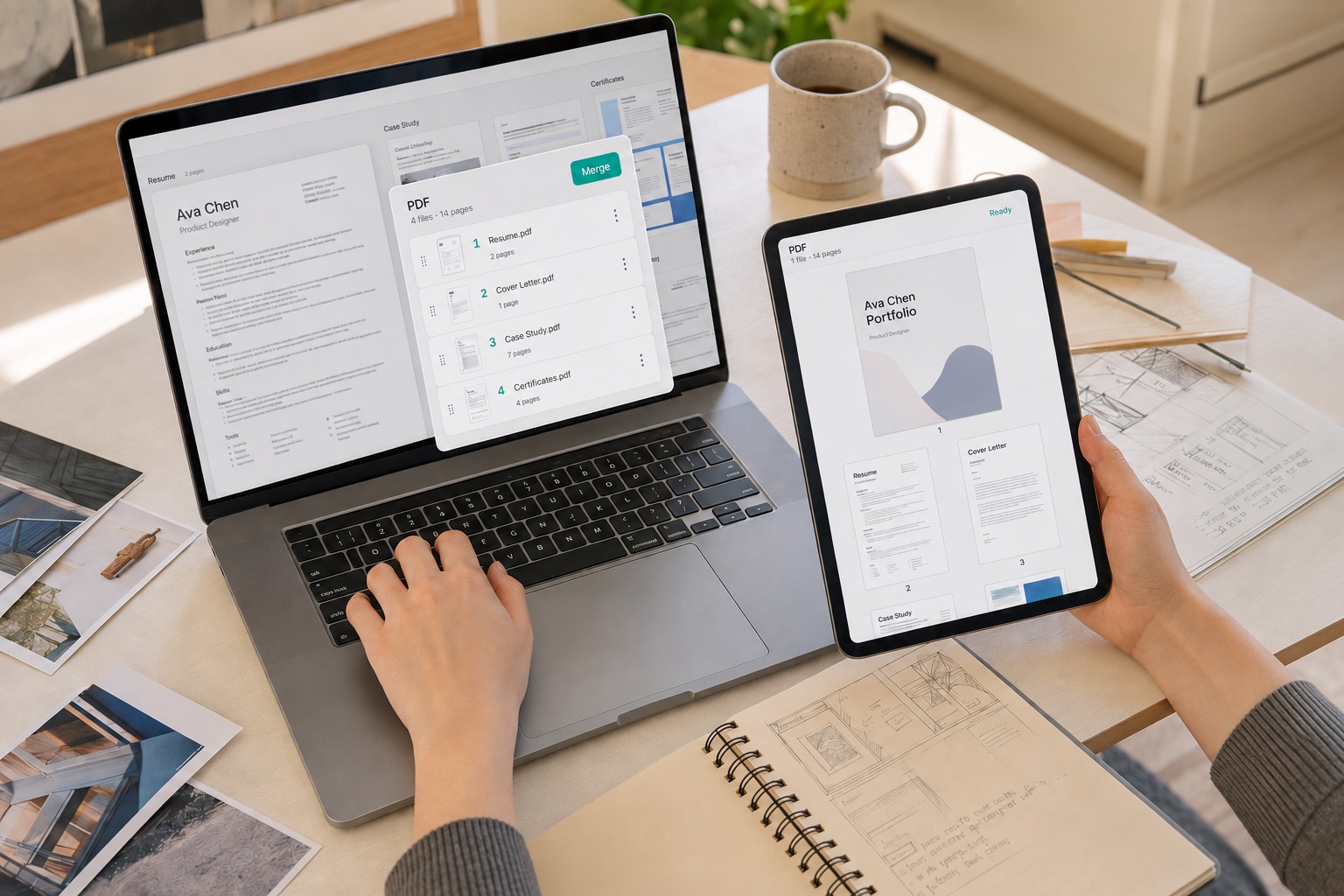
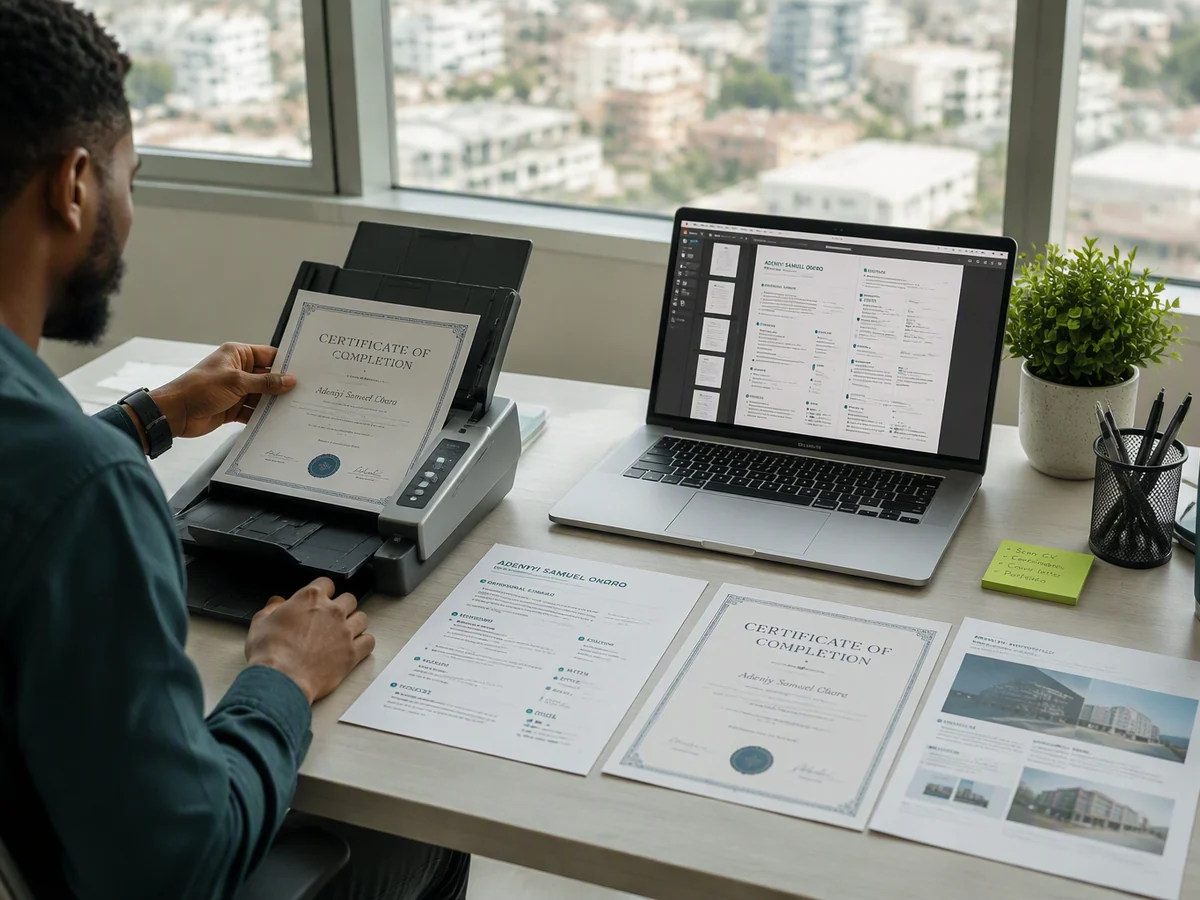
Merge Your Resume and Portfolio into One for Easy Sending to HR

Still juggling separate PDFs for your resume, portfolio, and certificates? With CamScanner, merge your resume, project work, and awards into one complete document in order, then send it to HR in one clean move. No more worrying about leaving something out. Merge and share in a tap, and make your job application more complete and professional.

Merge Your Resume and Portfolio into One for Easy Sending to HR

What users say about CamScanner Merge PDF

Daniel Miller

Lawyer

When I'm working on a case, evidence, contracts, and correspondence are often spread across many files that I need to organize into a complete case file before filing with the court. CamScanner merges PDFs in the order I choose, keeping my materials clearly structured and easy to review. Bringing these documents together saves me real effort when preparing evidence and submitting filings.

Jordan Davis

Job Seeker

Building my job portfolio means pulling my resume and work samples together, something that used to be slow and tedious with desktop software. Now I merge PDFs online with CamScanner, rearrange the files, and get one complete document I can share with recruiters anytime. Finding internships and applying for jobs just got easier.

James Wilson

Corporate Employee

In administrative and operations work, I handle reports, contracts, and notice attachments every day. Sending them as separate files makes individual attachments easy to overlook and leaves colleagues with more files to search through. Now I use CamScanner to merge everything into one PDF, arrange the files in order, and share it. Everyone opens a single file to see it all, and my everyday filing is tidier and more efficient.

FAQ

Can I merge PDF files for free?

Yes. You can merge PDF files in your browser without installing anything.

Can I combine multiple PDFs into one file?

Yes. Upload the PDF files you want to combine, arrange them in the right order, and click Merge. CamScanner brings them together into a single PDF, ready to save or share.

Can I change the order before merging?

Yes. Arrange the files in the sequence you want before clicking Merge. Pages from each file stay together, so put the main document first and supporting materials after it.

Will merging change the layout of my PDFs?

Merging combines the existing PDF pages rather than converting them to another format. It is not intended to change their text, images, or layout. Review the downloaded file before sharing important documents.

Can I merge scanned PDFs?

Yes. If your scanned documents are saved as PDFs, you can combine them with other PDF files. The scanned pages remain images; merging does not make their text editable or searchable.

Can I merge PDFs on Mac or mobile?

Yes. Use the online Merge PDF tool in your browser on a computer or mobile device, without installing software. You can also merge documents in the CamScanner mobile app.

Is my data secure when merging PDFs?

Yes. Files are encrypted in transit and never shared with third parties. CamScanner is certified to ISO/IEC 27001, ISO/IEC 27701, and ISO/IEC 20000.

Can I split a merged PDF later?

Yes. CamScanner's Split PDF tool lets you extract selected pages into a separate PDF. Use it when you need to share a section of the combined document rather than the whole file.

CamScanner on the Web

Use Merge PDF directly in your browser, with no installation.

CamScanner Mobile App

Scan the QR code to download the app, and capture with enhancement in one step.

QR code to download CamScanner
Terms of Service|Privacy Policy|Security & Compliance|AI Agent|FAQ|Blog
Follow us
© 2026 INTSIG. All rights reserved.
CamScanner

Cookies Settings

These cookies are essential in order to enable you to move around the website and use its features. Without these cookies services you have asked for cannot be provided.

We'd like to set Google Analytics or Baidu Analytics cookies to help us to improve our website by collecting and reporting information on how you use it. The cookies collect information in a way that does not directly anyone. For more information on how these cookies work, please see our 'Cookies page'.