CamScanner
  • Tools
    Scan
    • Scan Documents
    • Scan IDs
    • Scan Books
    • Scan Test Papers
    • Capture Whiteboards
    • Capture Slides
    • Image to Text
    Convert PDF
    • PDF to Word
    • Word to PDF
    • PDF to Excel
    • Excel to PDF
    • PDF to PPT
    • PPT to PDF
    • PDF to JPG
    • JPG to PDF
    Edit PDF
    • Merge PDF
    • Split PDF
    • Organize PDF
    • Rotate PDF Pages
    • Delete PDF Pages
    • Add Watermark
    • Protect PDF
    • Sign PDF
    App-Only
    • MeasureMeasure distances with your phone.
    • Ask AIAsk AI questions and get answers on any topic.
    • ScrollshotCapture full-page scrolling screenshots.
    • CountCamCount objects with your camera.
  • Premium
  • For Business
  • Download
  • Devices
  • AI Agent
  • 简体中文繁體中文EnglishBahasa IndonesiaEspañol
简体中文繁體中文EnglishBahasa IndonesiaEspañol
Web AppSign In
PDF to WordWord to PDFImage to TextPDF to ExcelExcel to PDFPDF to PPTPPT to PDFPDF to JPGJPG to PDF
Merge PDFSplit PDFOrganize PDFRotate PDF PagesDelete PDF PagesAdd WatermarkProtect PDFSign PDF

PDF to PPT Converter Online

Convert PDFs into editable PowerPoint slides (.pptx), with text, images, and page layout carried over.

CamScanner Ensures File Security

We care about privacy. Our PDF converter secures your files with 256-bit SSL Encryption, and the data you submit won't be shared with or accessed by any other parties.

PDF to PPT Online Converter

There is no need to install a program or download an app. CamScanner works online with any web-browser. All you need is a stable internet connection.

Cloud-Based Conversion Service

We have many servers in the cloud which do nothing else than converting PDF to PPT files. So, lean back and let them do the work.

Slides You Can Actually Edit

Each page becomes a real slide with text boxes and images you can move, retype, and restyle. It isn't a picture of your document pasted onto a blank slide.

Your Layout Arrives With It

Headings, bullet lists, images, and page order come through as they were. You open a working deck and start refining it, rather than rebuilding every page from an empty template.

Reuse What You Already Wrote

A finished report or proposal holds most of what the presentation needs. Converting it gives you a first draft in seconds, so the time goes into the talk instead of the formatting.

How to Convert PDF to PPT Online

  1. Open the CamScanner PDF to PPT converter

    Works in your browser on any device — nothing to install.

  2. Add your PDF

    Drag and drop the file, pick it from your device, or import it from your CamScanner account.

  3. Click Convert

    CamScanner rebuilds each page as an editable slide.

  4. Download your PPT file

    Save the .pptx to your device and start presenting.

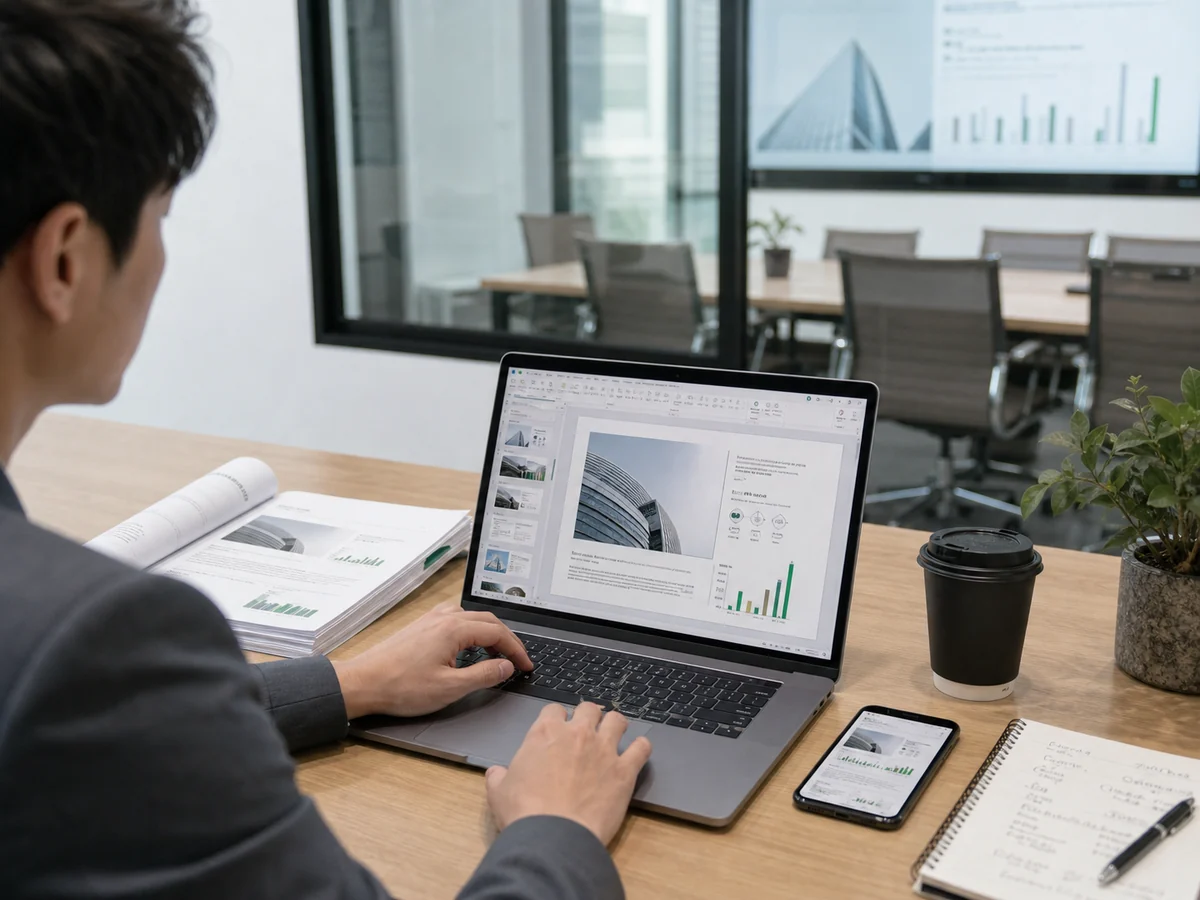
Documents to PPT, Easy to Break Down for Clients

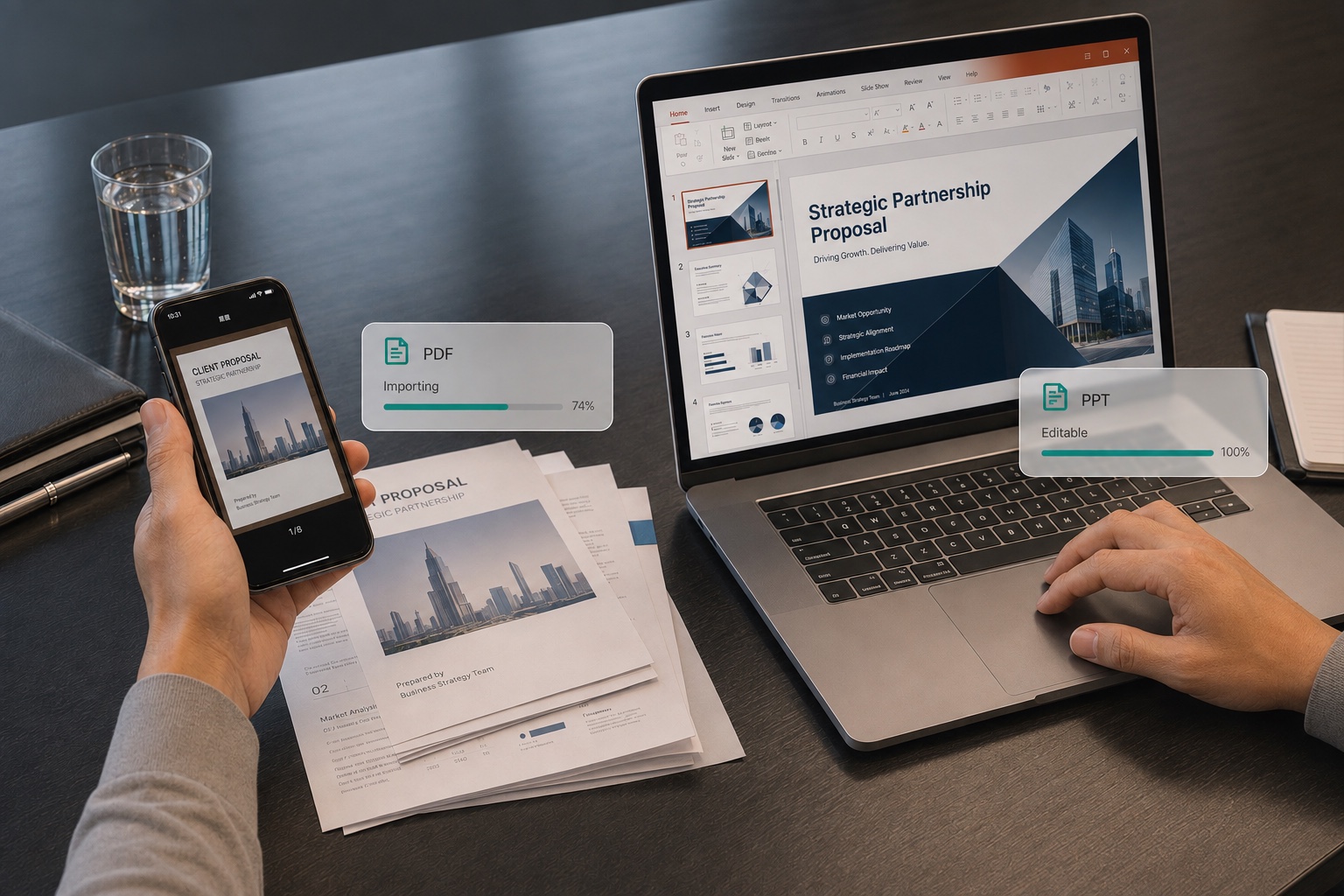
Need to walk clients through a contract, proposal, or data report that's stuck in PDF, but can't break it down point by point? Convert it to PPT with CamScanner: the content is editable and reorderable, so you can explain it page by page, revise on the fly, and make your pitches and roadshows far more convincing.
Documents to PPT, Easy to Break Down for Clients

Handouts to PPT, Easier to Add Animations During Prep

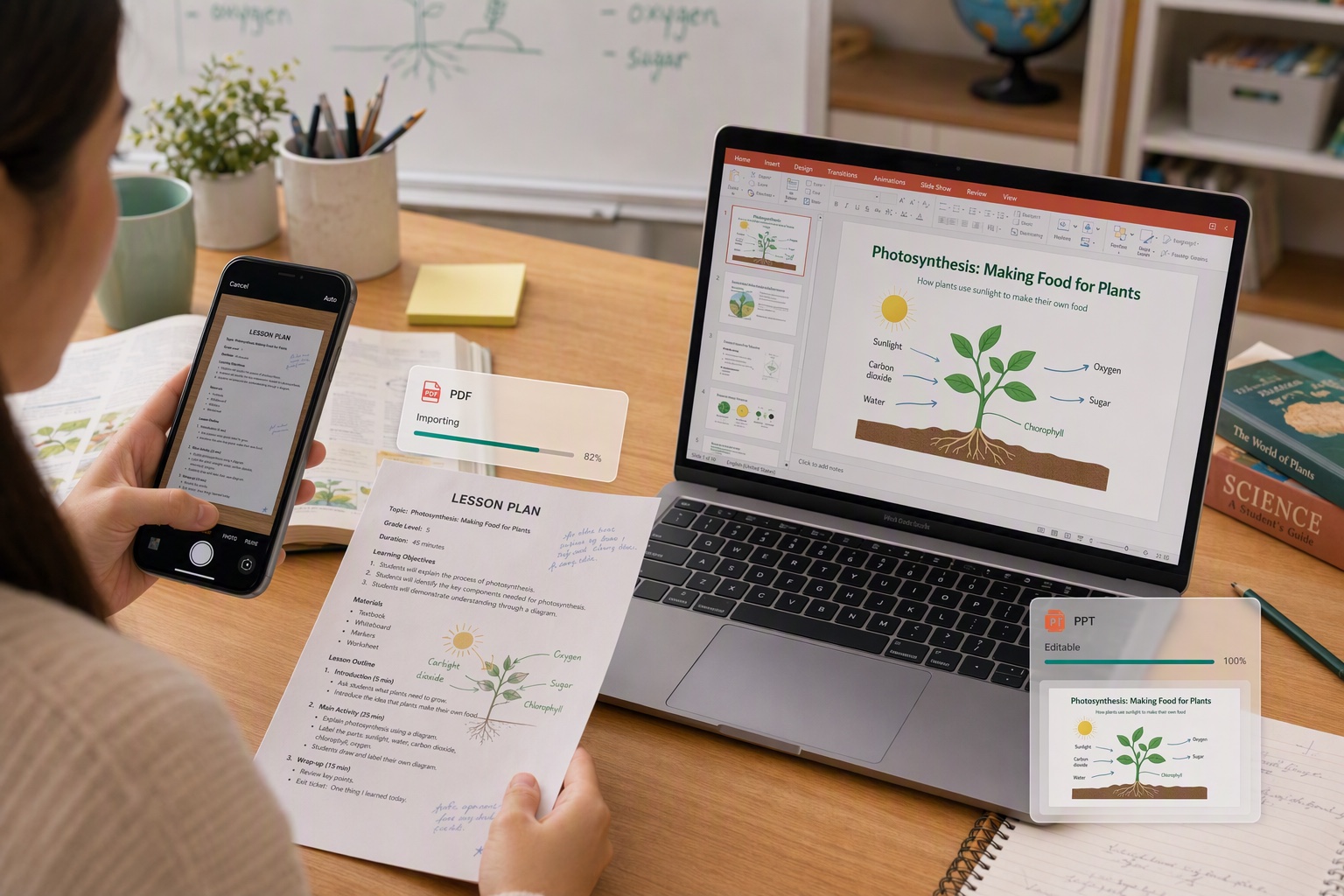
Want to bring PDF handouts and textbooks into the classroom but can't add animations or notes? Once converted to PPT, you can freely add animations, annotations, and interactive content, making classroom presentations lively and clear, saving time on prep, and keeping your lessons on pace.

Handouts to PPT, Easier to Add Animations During Prep

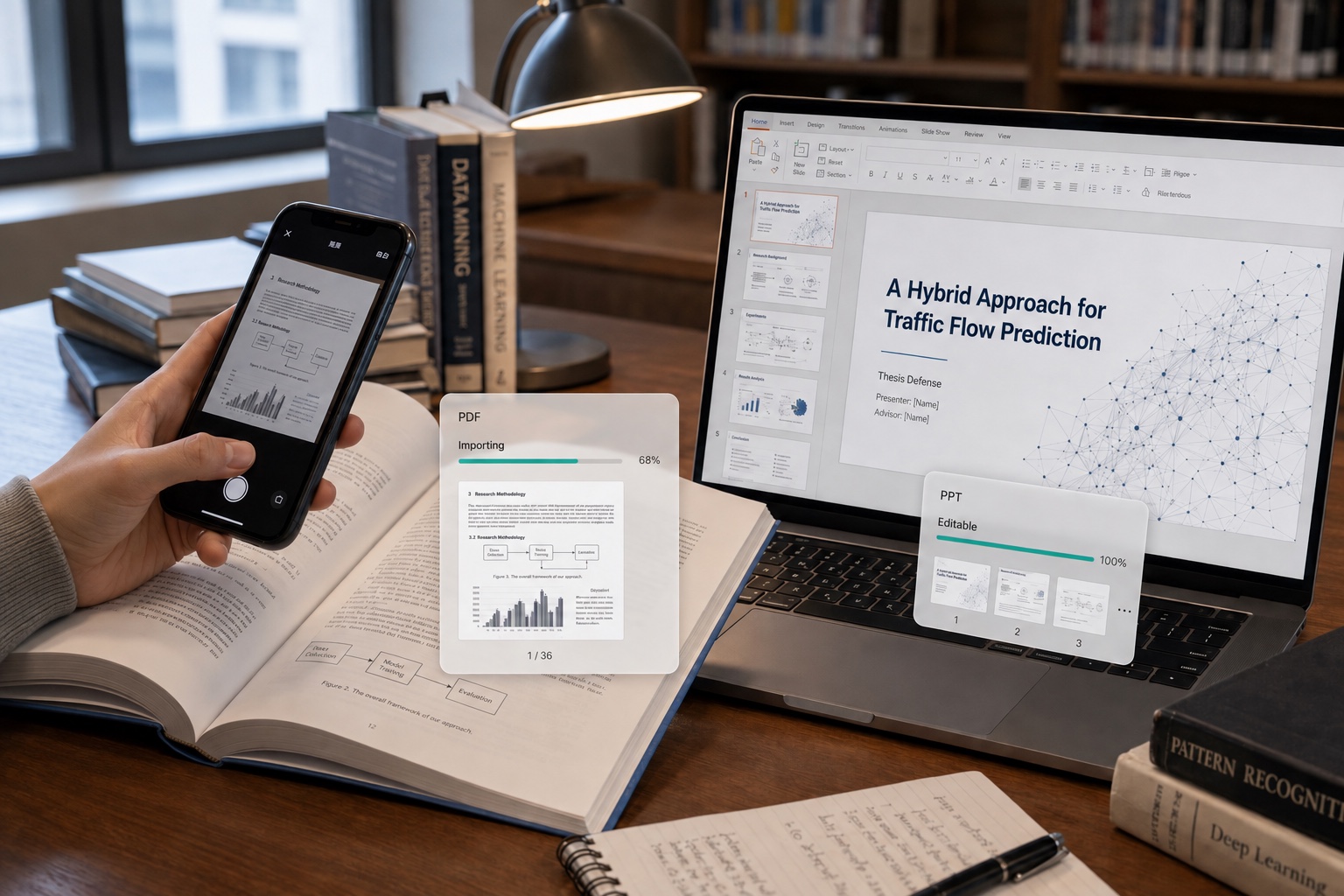
Papers to PPT, a Fast First Draft for Your Defense

Is your thesis or research report a PDF, with the defense slides still to build from scratch? Convert it to PPT in one click with CamScanner to quickly generate a presentation outline, then fill in the key points and charts, so your first draft takes half the work and you can prepare with ease.

Papers to PPT, a Fast First Draft for Your Defense

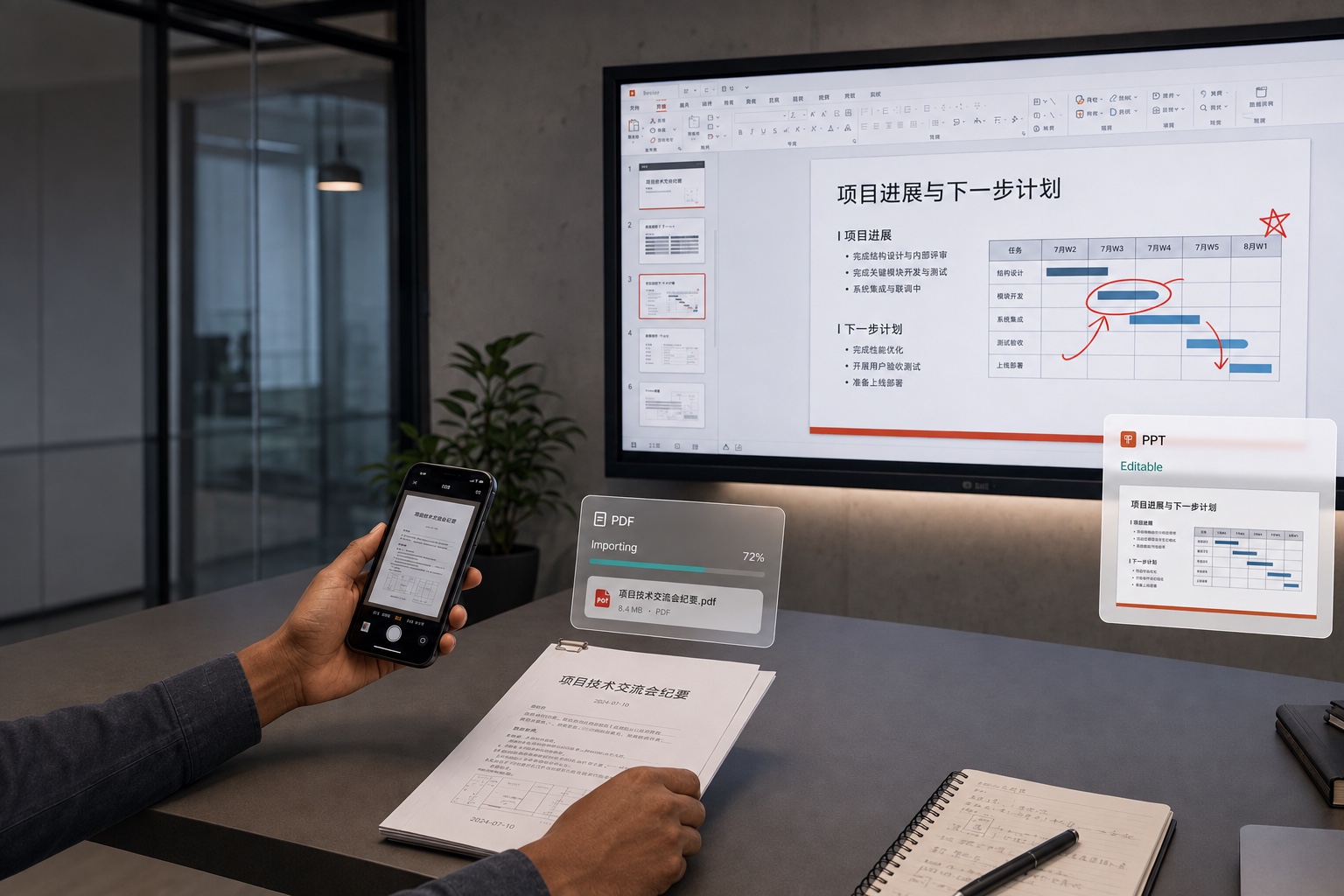
Meeting Materials to PPT, Smoother Page Flipping and Marking

Got PDF reading materials before a meeting and want to show them page by page and highlight the key points? Convert them to PPT for screen sharing, so flipping through pages and jotting down notes is easy, your meeting materials are ready to use, and discussions move along more efficiently.

Meeting Materials to PPT, Smoother Page Flipping and Marking

What users say about CamScanner PDF to PPT

Jun Park

Salesperson

I often prepare client proposals, sales pitches, and product introductions, but most of my existing materials are PDFs. After I convert them to PPT with CamScanner, I can adjust the slide content and order, then add key points based on each client's needs. Turning static documents into presentations quickly makes prep for client meetings and reports far more efficient.

Ananya Iyer

Student

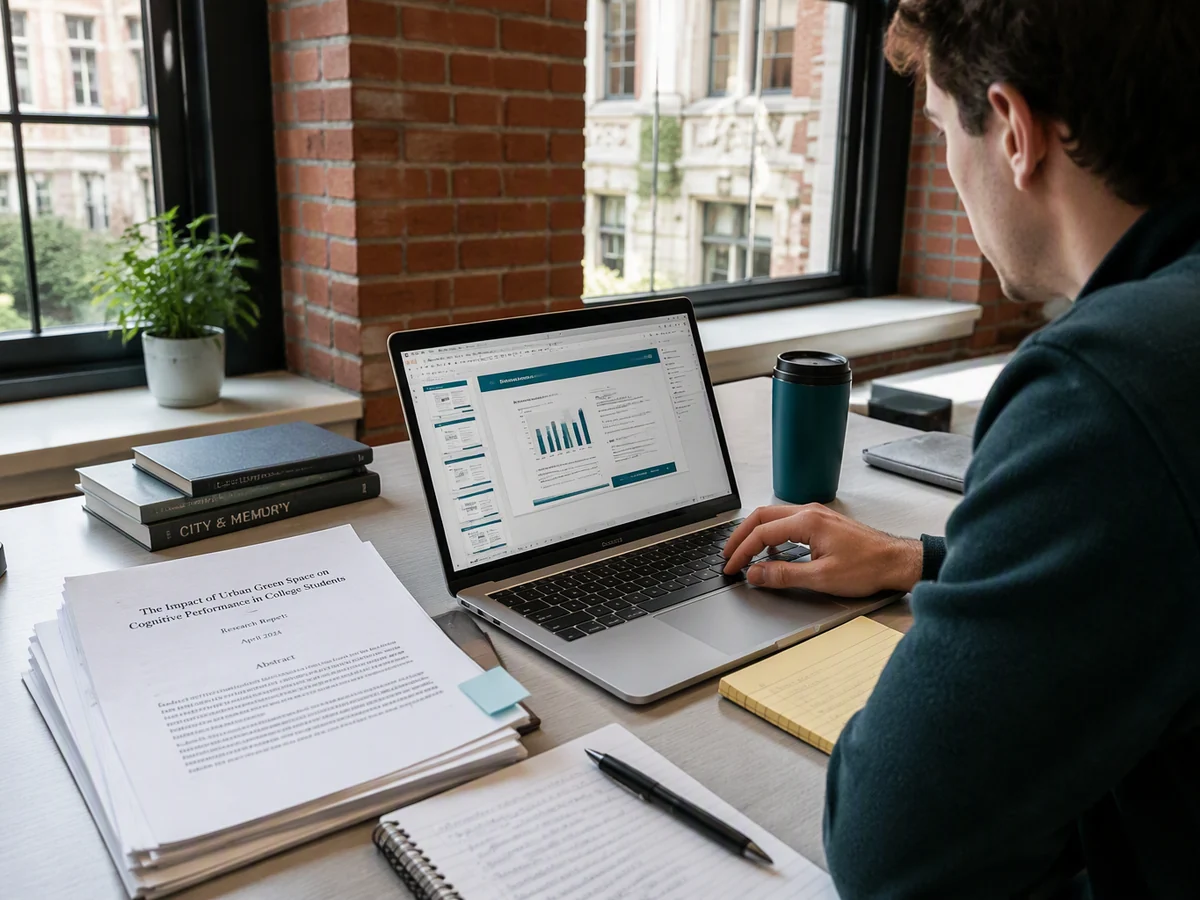
When I'm preparing for a thesis defense or a coursework presentation, I often need to turn a paper or report into a PPT. I use CamScanner to convert the PDF to PPT, which quickly gives me a basic deck to work from, then I add the key content and adjust the layout. I don't have to build every slide from scratch, so putting together defense and report materials is much easier.

Lucas Meyer

Designer

Once my portfolio and design proposals are saved as PDFs, reformatting them into a presentation takes a lot of time. I convert them to PPT with CamScanner to keep the original text, images, and layout as much as possible, then adjust it to fit what I'm presenting. Reusing what I already have is easier, and it saves me a lot of repetitive rework.

FAQ

Can I convert PDF to PPT for free?

Yes. You can convert PDF to PPT in your browser without installing anything.

Will the slides be editable after converting?

Yes. Text comes through in editable text boxes and images stay as separate objects, so you can retype, move, and restyle them in PowerPoint. Heavily designed pages may need some tidying, and layered graphics occasionally flatten. Open the deck and check it before you present.

Can I convert PDF to other Office formats?

Yes. CamScanner also converts PDF to Word and PDF to Excel, and handles Word, Excel, and PowerPoint files back to PDF.

Can I convert PDF to PPT on Mac or mobile?

Yes. The converter runs in any browser on macOS, Windows, Linux, iOS, and Android. You can also use the CamScanner app for iOS and Android.

Is my data secure when converting PDF to PPT?

Yes. Files are encrypted in transit and never shared with third parties. CamScanner is certified to ISO/IEC 27001, ISO/IEC 27701, and ISO/IEC 20000.

Why can't I edit the text in my converted slides?

The PDF was most likely a scan, which means the page is an image and there's no text to extract. Recognize the text first, then convert — the slides will come through editable.

CamScanner on the Web

Use PDF to PPT directly in your browser, with no installation.

CamScanner Mobile App

Scan the QR code to download the app, and capture with enhancement in one step.

QR code to download CamScanner
Terms of Service|Privacy Policy|Security & Compliance|AI Agent|FAQ|Blog
Follow us
© 2026 INTSIG. All rights reserved.
CamScanner

Cookies Settings

These cookies are essential in order to enable you to move around the website and use its features. Without these cookies services you have asked for cannot be provided.

We'd like to set Google Analytics or Baidu Analytics cookies to help us to improve our website by collecting and reporting information on how you use it. The cookies collect information in a way that does not directly anyone. For more information on how these cookies work, please see our 'Cookies page'.