CamScanner
  • Tools
    Scan
    • Scan Documents
    • Scan IDs
    • Scan Books
    • Scan Test Papers
    • Capture Whiteboards
    • Capture Slides
    • Image to Text
    Convert PDF
    • PDF to Word
    • Word to PDF
    • PDF to Excel
    • Excel to PDF
    • PDF to PPT
    • PPT to PDF
    • PDF to JPG
    • JPG to PDF
    Edit PDF
    • Merge PDF
    • Split PDF
    • Organize PDF
    • Rotate PDF Pages
    • Delete PDF Pages
    • Add Watermark
    • Protect PDF
    • Sign PDF
    App-Only
    • MeasureMeasure distances with your phone.
    • Ask AIAsk AI questions and get answers on any topic.
    • ScrollshotCapture full-page scrolling screenshots.
    • CountCamCount objects with your camera.
  • Premium
  • For Business
  • Download
  • Devices
  • AI Agent
  • 简体中文繁體中文EnglishBahasa IndonesiaEspañol
简体中文繁體中文EnglishBahasa IndonesiaEspañol
Web AppSign In
PDF to WordWord to PDFImage to TextPDF to ExcelExcel to PDFPDF to PPTPPT to PDFPDF to JPGJPG to PDF
Merge PDFSplit PDFOrganize PDFRotate PDF PagesDelete PDF PagesAdd WatermarkProtect PDFSign PDF

Word to PDF Converter Online

Convert DOC and DOCX files to PDF online for free while keeping the original formatting.

CamScanner Ensures File Security

We care about privacy. Our PDF converter secures your files with 256-bit SSL Encryption, and the data you submit won't be shared with or accessed by any other parties.

Word to PDF Online Converter

There is no need to install a program or download an app. CamScanner works online with any web-browser. All you need is a stable internet connection.

Cloud-Based Conversion Service

We have many servers in the cloud which do nothing else than converting Word to PDF files. So, lean back and let them do the work.

Both DOC and DOCX Are Welcome

Older DOC files and current DOCX files both convert without an extra step. Documents made in Microsoft Word, Google Docs, WPS, or LibreOffice all come through the same way.

Fonts and Spacing Hold Their Place

Word reflows text when a device lacks your fonts or uses different margins. Converting to PDF freezes the page, so line breaks, spacing, tables, and images stay exactly where you put them.

One File That Looks the Same Everywhere

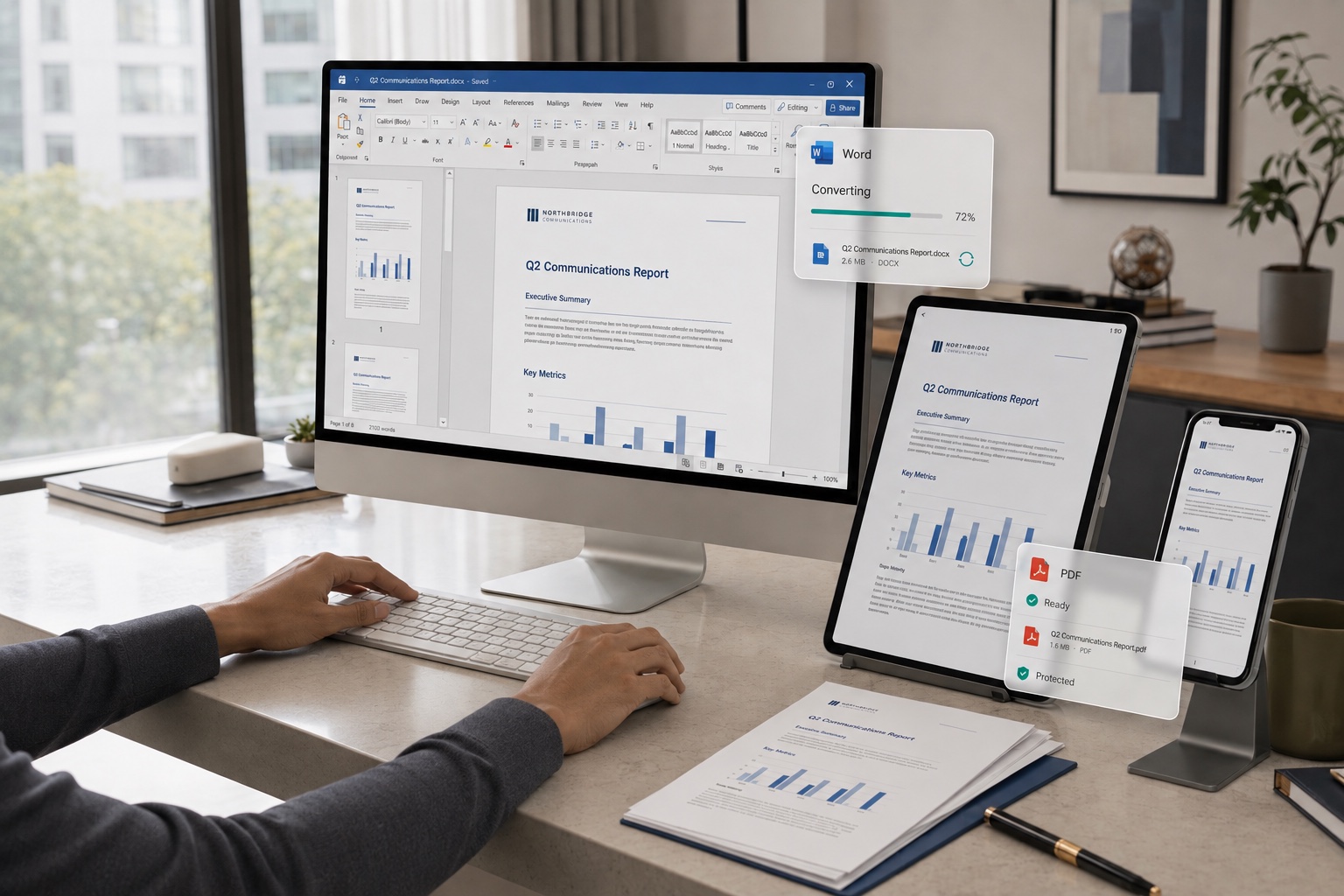
A PDF renders identically on a desktop, a phone, or in print. The recipient sees the document as you designed it and can't shift the layout by accident while reading.

How to Convert Word to PDF Online

  1. Open the CamScanner Word to PDF converter

    Works in your browser on any device — nothing to install.

  2. Add your Word file

    Drag and drop the document, pick it from your device, or import it from your CamScanner account.

  3. Click Convert

    CamScanner processes the file and locks the layout into PDF format.

  4. Download your PDF

    Save the file to your device, ready to send or print.

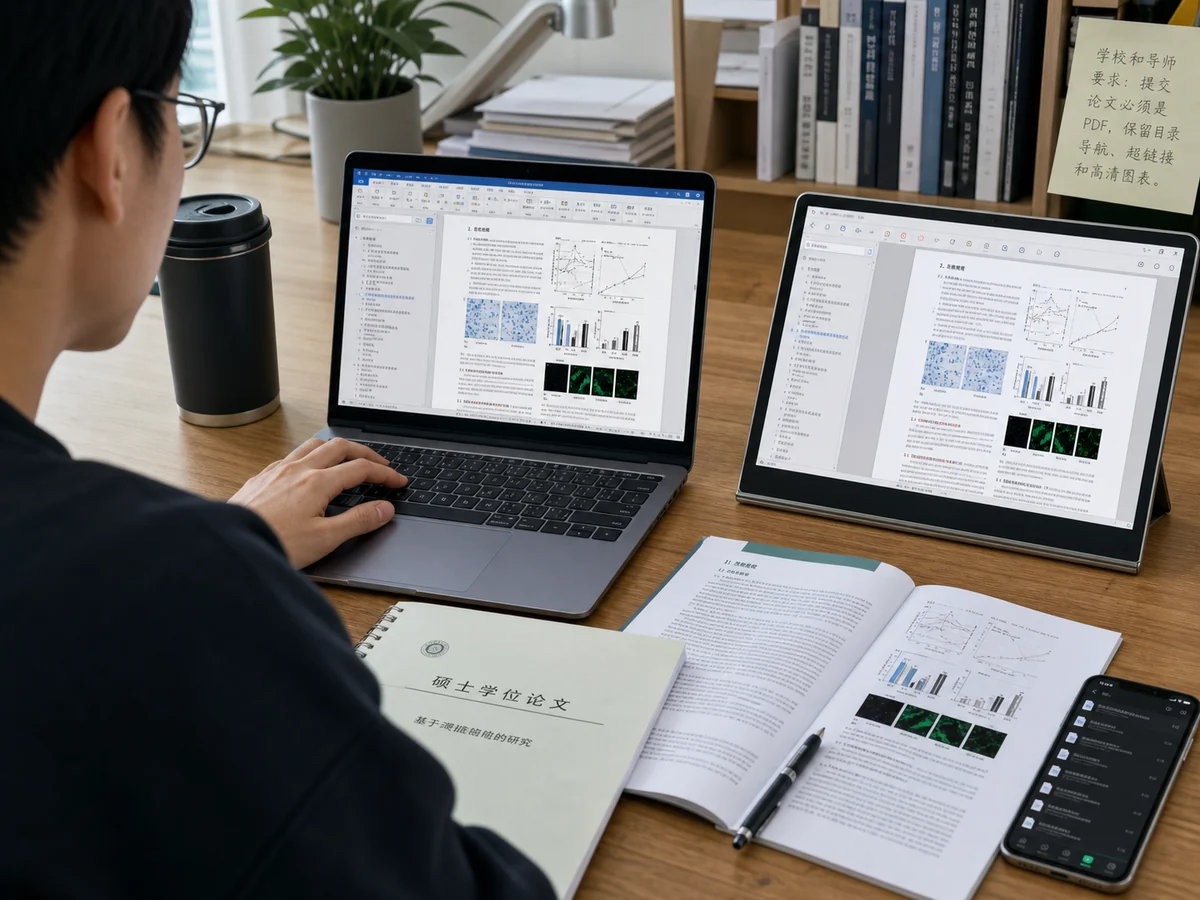
Convert Formal Documents to PDF, Layout Intact Across Devices

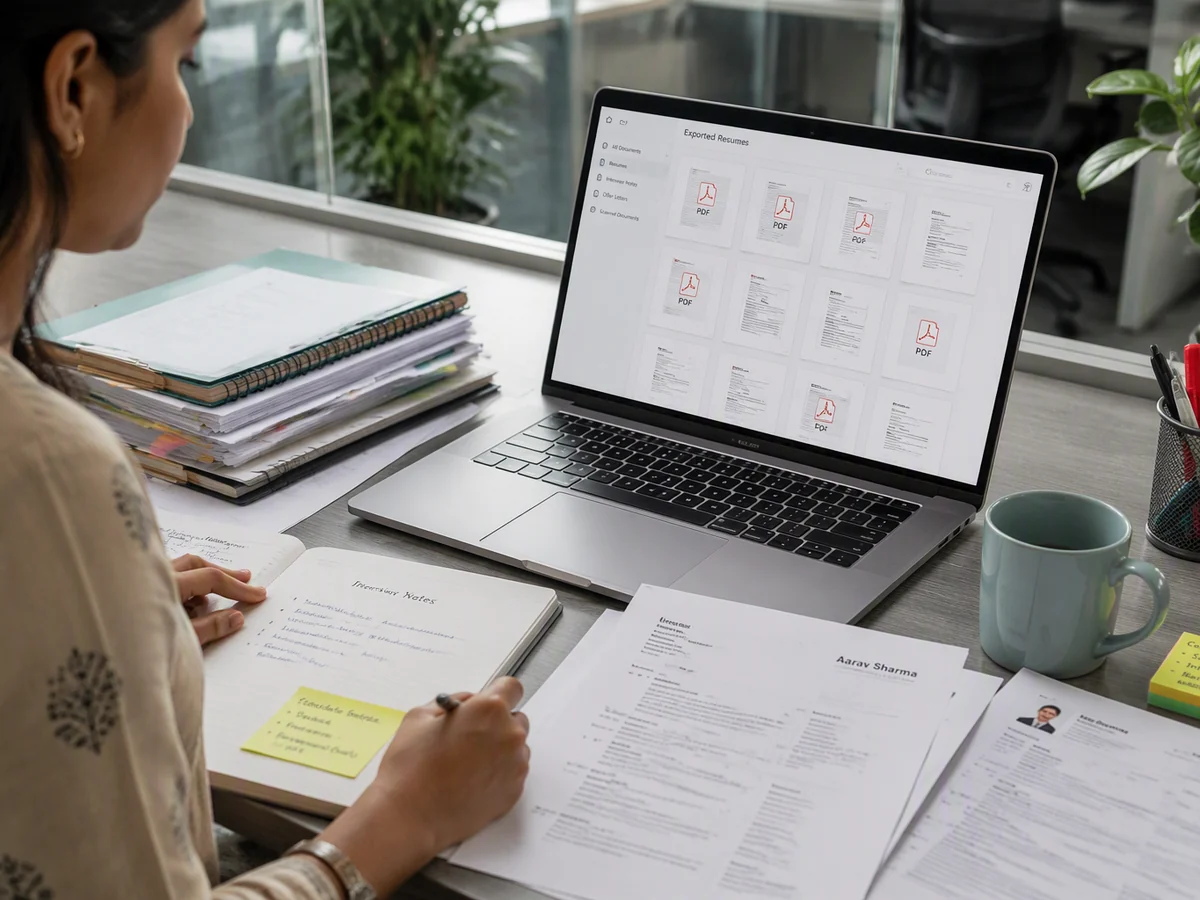
Submitting a thesis, résumé, bid, or contract? Word files often show garbled text or shifted layouts when opened on a different computer or phone. Convert to PDF and your fonts, images, and layout stay locked exactly as they are, consistent on any device, so you look polished and professional when it counts.
Convert Formal Documents to PDF, Layout Intact Across Devices

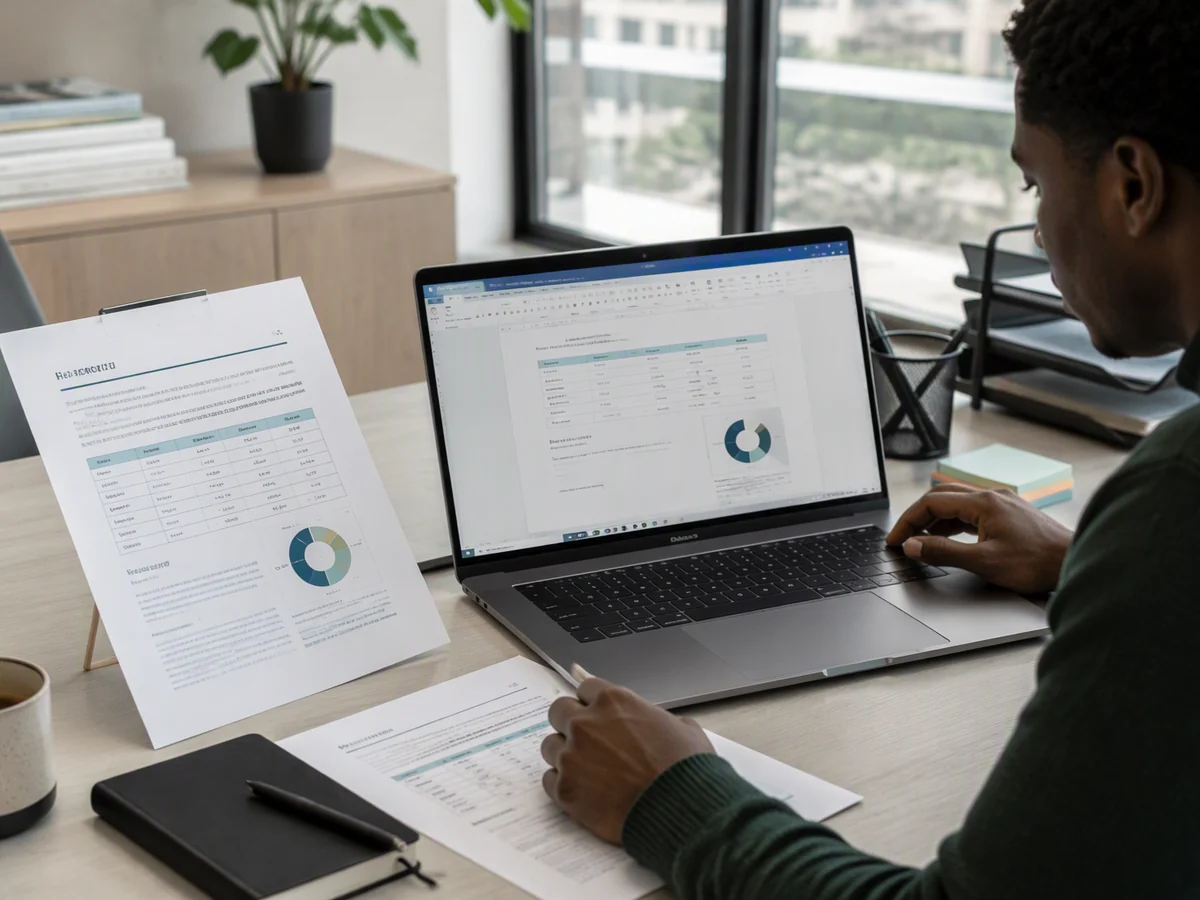
Convert to PDF Before Printing, Clean Pagination with No Cutoffs

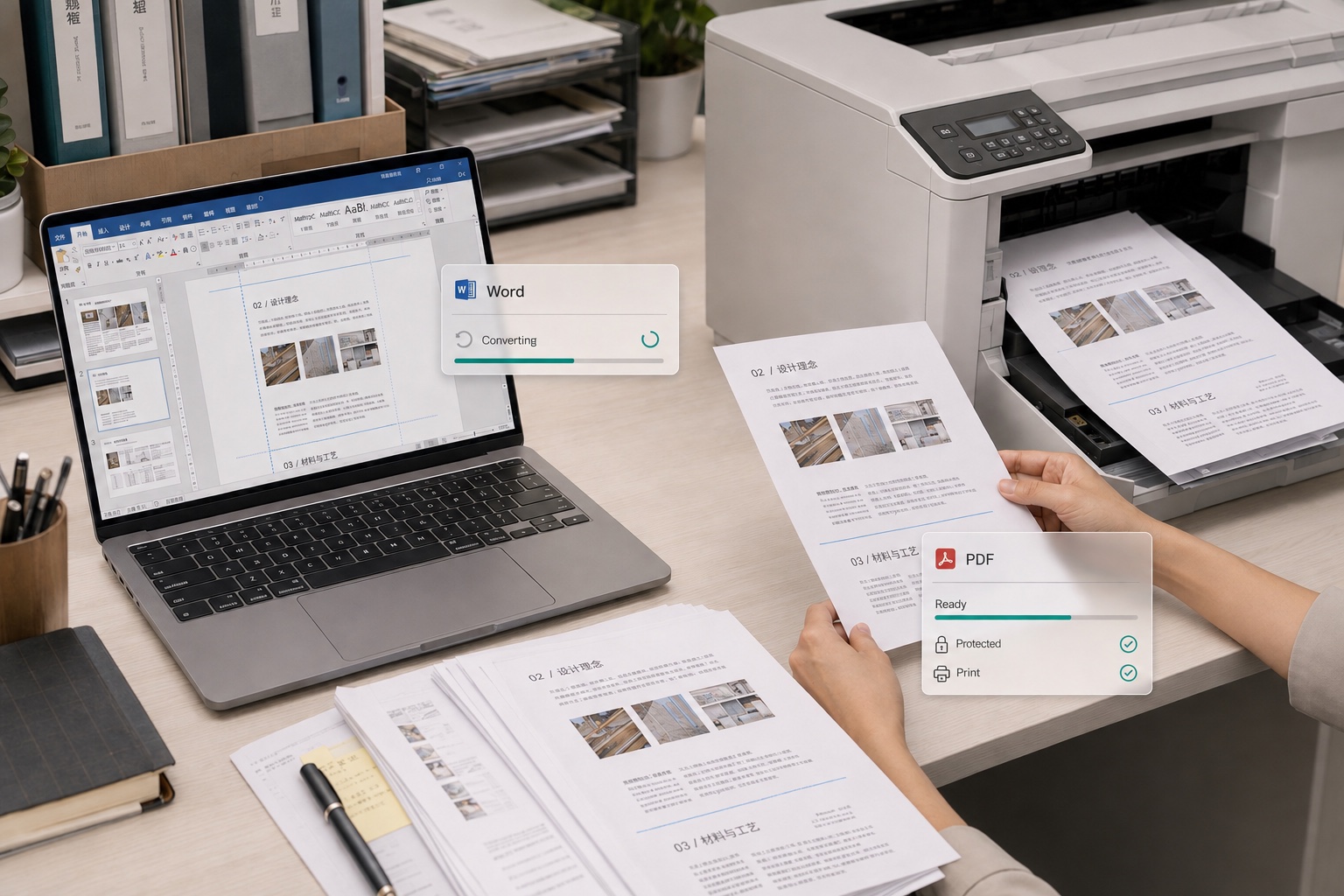
Printing a paper, work document, or brochure? Printing straight from Word often means off margins, blurry images, or content that gets cut off. Convert to PDF first and your margins, image quality, and page breaks stay precise, so you get it right at the print shop on the first try and save time and paper.

Convert to PDF Before Printing, Clean Pagination with No Cutoffs

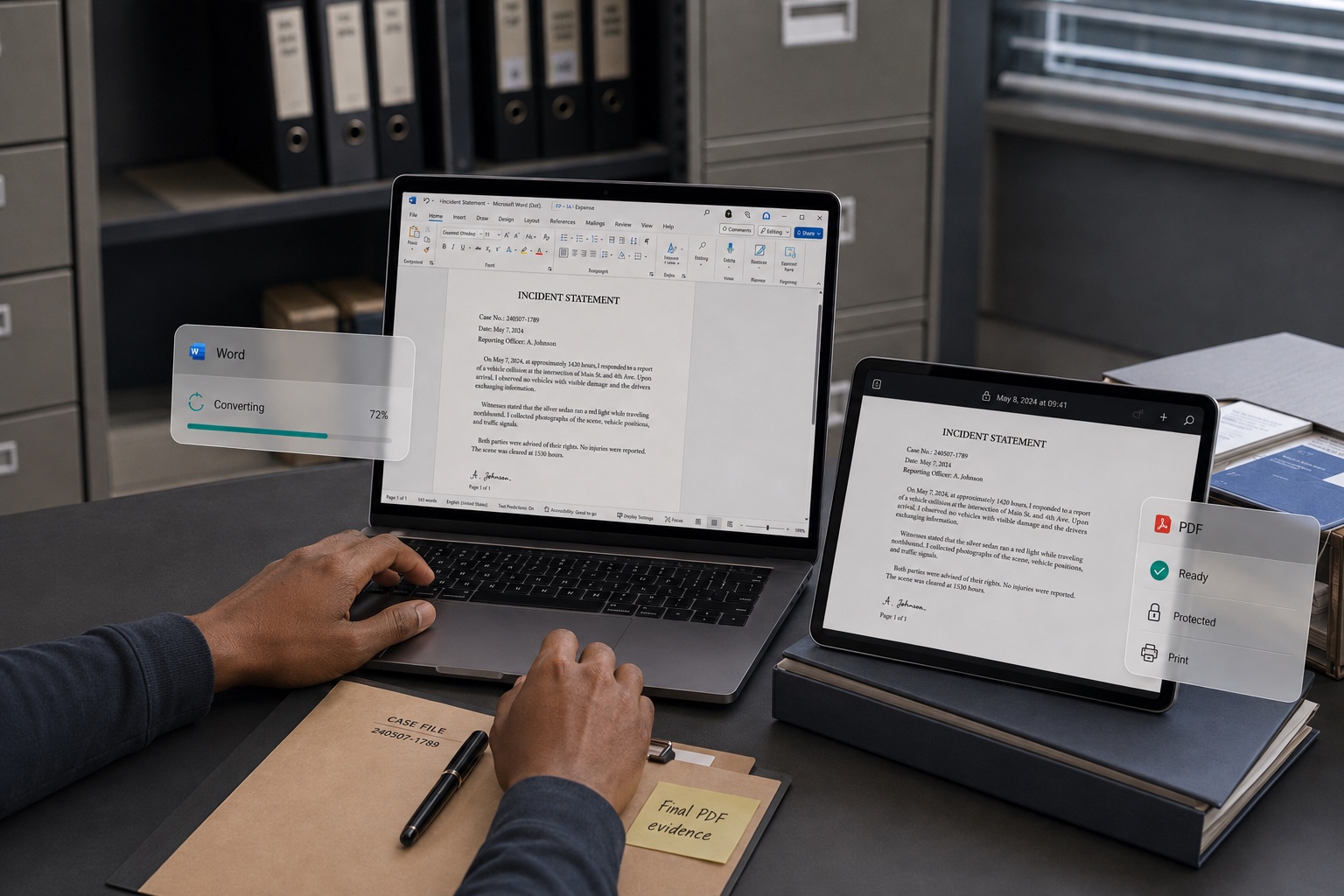
Convert Evidence to PDF, Lock Content Against Tampering

Need to keep or submit chat logs, Word contracts, or evidence, but worried about changes during transfer? Convert to PDF to lock the content in place. You can also add page numbers and exhibit numbers for easy filing, keeping everything rigorous and reliable so you have stronger footing when defending your rights.

Convert Evidence to PDF, Lock Content Against Tampering

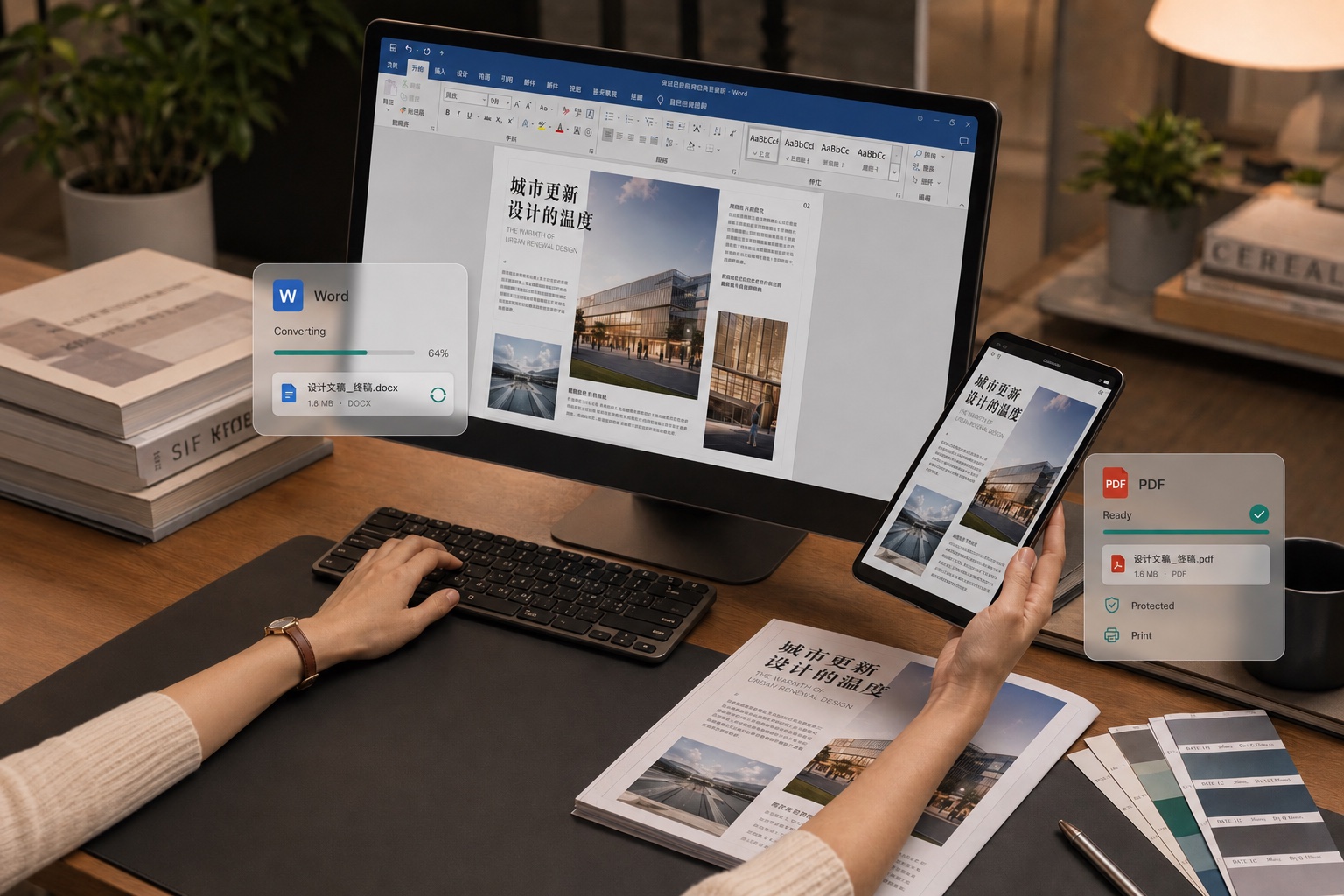
Convert Designed Content to PDF, Protect Your Work and Share with Ease

Publishing carefully designed content, manuals, or notes, but afraid someone will copy or edit them freely? Convert to PDF to keep every design detail intact. Readers can download and save it directly, while your original layout stays hard to lift, so you can share with peace of mind.

Convert Designed Content to PDF, Protect Your Work and Share with Ease

What users say about CamScanner Word to PDF

Wei Zhang

University Student

Submitting a thesis, coursework, or journal manuscript usually calls for PDF, and I need the table of contents, links, and high-resolution figures kept intact. After I convert Word to PDF with CamScanner, the page layout stays clear and consistent, so it's easy to submit, print, and share. For someone who regularly writes papers and organizes research materials, it's practical and hassle-free.

Darnell Brooks

Office Worker

When I report proposals to my manager, send reports across departments, or share contracts, sending Word files directly can easily cause layout shifts on different devices. Now I convert everything to PDF with CamScanner, and the text, images, and page layout stay consistent. Whether the recipient opens it on a computer or a phone, it keeps a neat, professional look.

Priya Sharma

Job Seeker

When I submit my résumé, the last thing I want is font changes or layout shifts in the Word file that hurt the first impression recruiters get. Converting it to PDF with CamScanner before I apply keeps my résumé's layout stable. And when I post job listings and onboarding materials on the HR side, PDF keeps the format consistent, so it's easy for both applicants and recruiters to view.

FAQ

Can I convert Word to PDF for free?

Yes. You can convert Word to PDF in your browser without installing anything.

Does the converter support both DOC and DOCX?

Yes. Both work with no extra step. DOCX is the default format in Word 2007 and later; older DOC files convert the same way.

Will my formatting be preserved?

Yes, in most cases. Fonts, spacing, headings, tables, and images are carried over, and the page layout is locked so it won't reflow. Custom fonts that aren't embedded in the file may be substituted. For documents where exact layout matters, check the PDF before sending it.

Which format will I get?

A standard PDF. It opens in any browser, in Adobe Acrobat, and in the built-in readers on Windows, macOS, iOS, and Android. No special software needed.

Can I convert other Office files to PDF?

Yes. CamScanner also handles Excel to PDF and PPT to PDF, and converts PDFs back to Word, Excel, and PowerPoint.

Can I convert Word to PDF on Mac or mobile?

Yes. The converter runs in any browser on macOS, Windows, Linux, iOS, and Android. No installation needed. You can also use the CamScanner app for iOS and Android.

Is my data secure when converting Word to PDF?

Yes. Files are encrypted in transit and never shared with third parties. CamScanner is certified to ISO/IEC 27001, ISO/IEC 27701, and ISO/IEC 20000.

Why convert Word to PDF instead of sending the Word file?

A Word file can reflow on a device that lacks your fonts, and the recipient can edit it by accident. A PDF displays the same everywhere and keeps the content as you sent it.

CamScanner on the Web

Use Word to PDF directly in your browser, with no installation.

CamScanner Mobile App

Scan the QR code to download the app, and capture with enhancement in one step.

QR code to download CamScanner
Terms of Service|Privacy Policy|Security & Compliance|AI Agent|FAQ|Blog
Follow us
© 2026 INTSIG. All rights reserved.
CamScanner

Cookies Settings

These cookies are essential in order to enable you to move around the website and use its features. Without these cookies services you have asked for cannot be provided.

We'd like to set Google Analytics or Baidu Analytics cookies to help us to improve our website by collecting and reporting information on how you use it. The cookies collect information in a way that does not directly anyone. For more information on how these cookies work, please see our 'Cookies page'.