CamScanner
  • Tools
    Scan
    • Scan Documents
    • Scan IDs
    • Scan Books
    • Scan Test Papers
    • Capture Whiteboards
    • Capture Slides
    • Image to Text
    Convert PDF
    • PDF to Word
    • Word to PDF
    • PDF to Excel
    • Excel to PDF
    • PDF to PPT
    • PPT to PDF
    • PDF to JPG
    • JPG to PDF
    Edit PDF
    • Merge PDF
    • Split PDF
    • Organize PDF
    • Rotate PDF Pages
    • Delete PDF Pages
    • Add Watermark
    • Protect PDF
    • Sign PDF
    App-Only
    • MeasureMeasure distances with your phone.
    • Ask AIAsk AI questions and get answers on any topic.
    • ScrollshotCapture full-page scrolling screenshots.
    • CountCamCount objects with your camera.
  • Premium
  • For Business
  • Download
  • Devices
  • AI Agent
  • 简体中文繁體中文EnglishBahasa IndonesiaEspañol
简体中文繁體中文EnglishBahasa IndonesiaEspañol
Web AppSign In
PDF to WordWord to PDFImage to TextPDF to ExcelExcel to PDFPDF to PPTPPT to PDFPDF to JPGJPG to PDF
Merge PDFSplit PDFOrganize PDFRotate PDF PagesDelete PDF PagesAdd WatermarkProtect PDFSign PDF

Split PDF Online

Split a PDF into smaller files or extract selected pages to create a separate PDF document.

CamScanner Ensures File Security

We care about privacy. Our PDF converter secures your files with 256-bit SSL Encryption, and the data you submit won't be shared with or accessed by any other parties.

Split PDF Online

There is no need to install a program or download an app. CamScanner works online with any web-browser. All you need is a stable internet connection.

Cloud-Based Processing Service

We have many servers in the cloud which do nothing else but split PDF files. So, lean back and let them do the work.

Choose the Pages You Need

Select specific pages or page ranges from a longer PDF and save them as separate files. Pull out a report section, contract excerpt, or study chapter without including the rest of the document.

Share the Section, Not the Whole File

Send the pages relevant to your recipient instead of the entire PDF. A focused extract gives them less to search through and lets you leave unrelated sections out of the shared document.

Keep the Original PDF Intact

Your original PDF stays intact while the selected pages are saved separately. Keep the complete document for reference and use the extracted files when you only need to save or share a particular section.

How to Split a PDF Online

  1. Open the CamScanner Split PDF tool

    Works in your browser — nothing to install.

  2. Add your PDF

    Drag and drop the file, pick it from your device, or import it from your CamScanner account.

  3. Select the pages you want to extract

    Choose the pages or page ranges you need to save as separate PDF files.

  4. Download your PDF files

    Save the extracted files to your device, ready to share or keep for reference.

Extract by Page, Send Only the Pages You Need

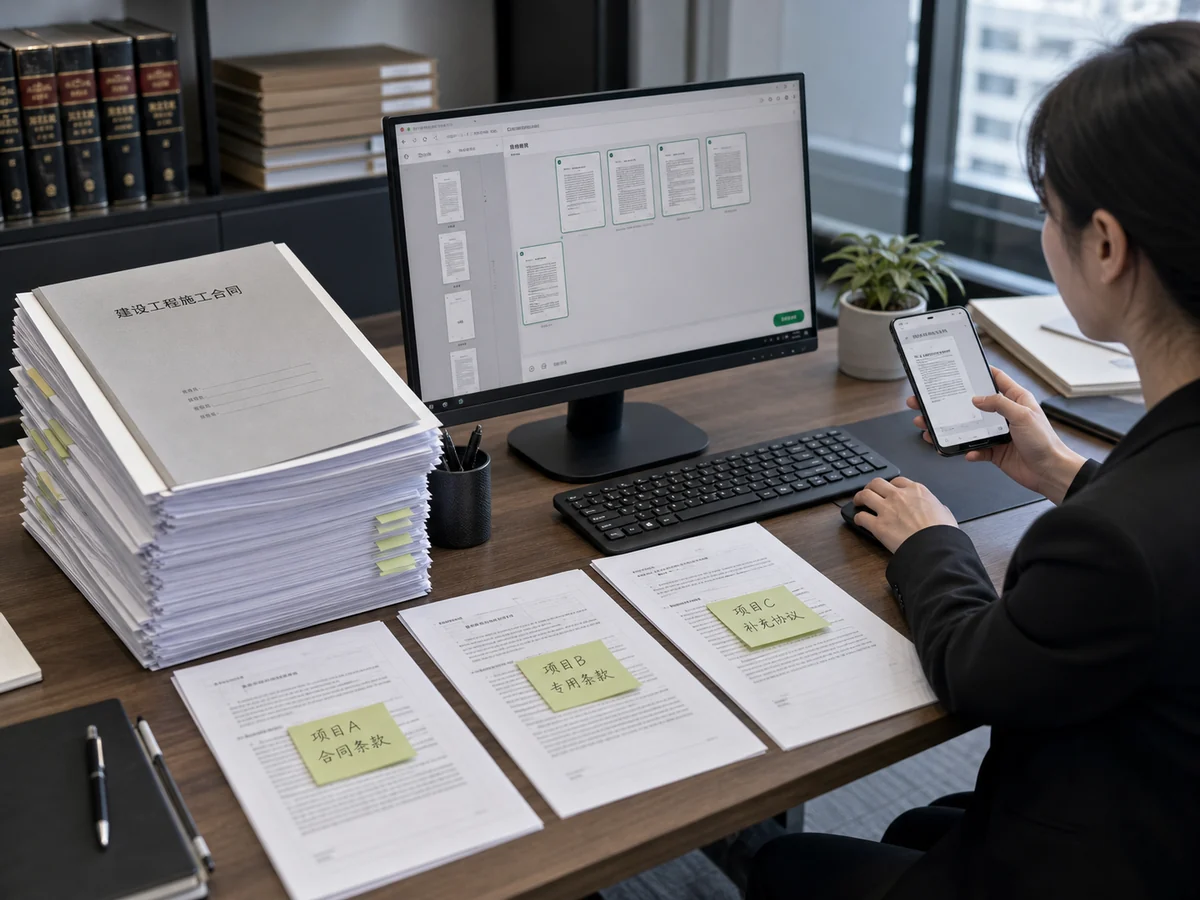
Working with a bid or contract that runs hundreds of pages, but you only need to send the specific clauses on pages 10–30 to your contact? Use CamScanner to extract that exact page range and export it as a standalone file, leaving unrelated confidential details out so sharing stays secure and clean.
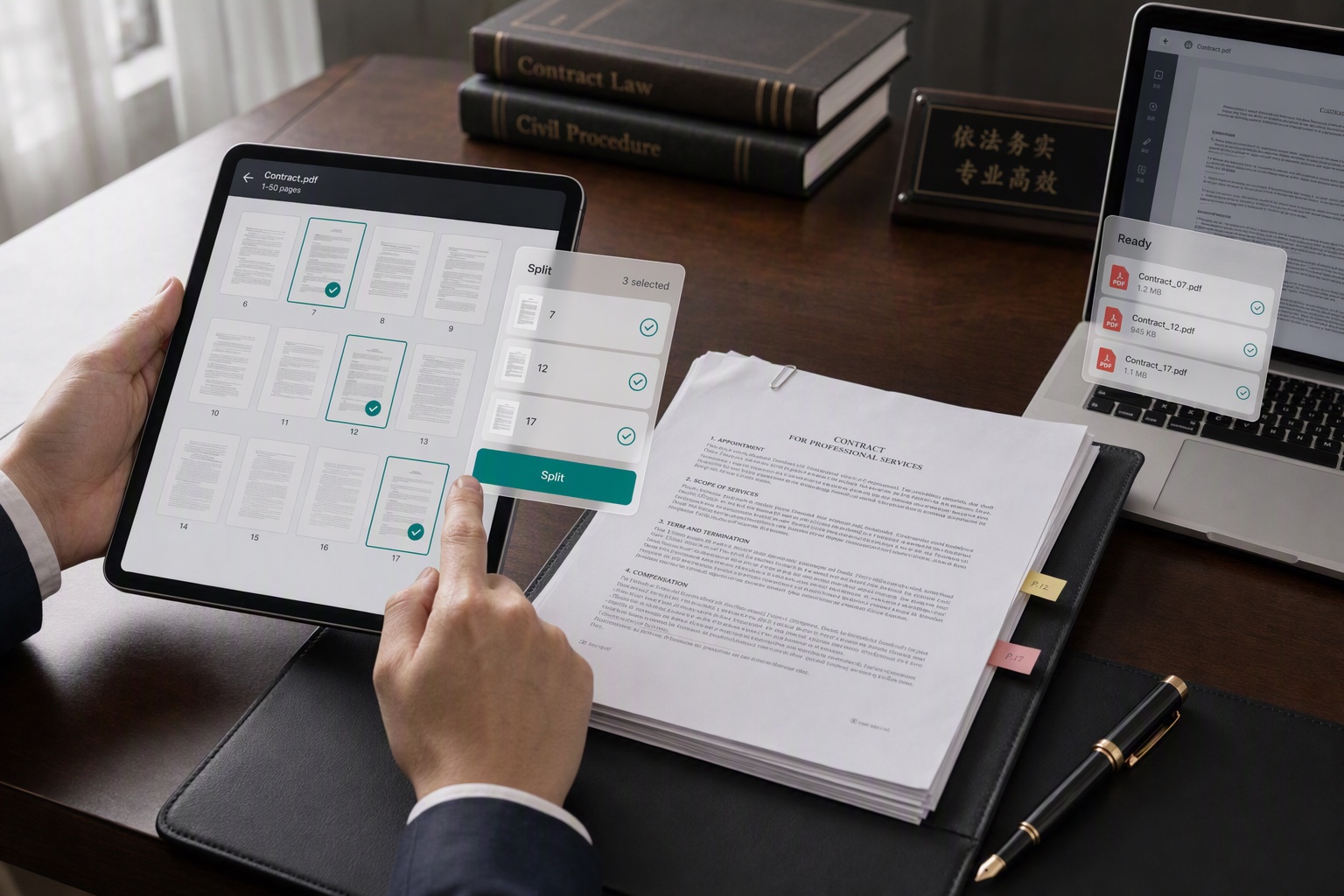
Extract by Page, Send Only the Pages You Need

Split by Chapter for Clearer Reading

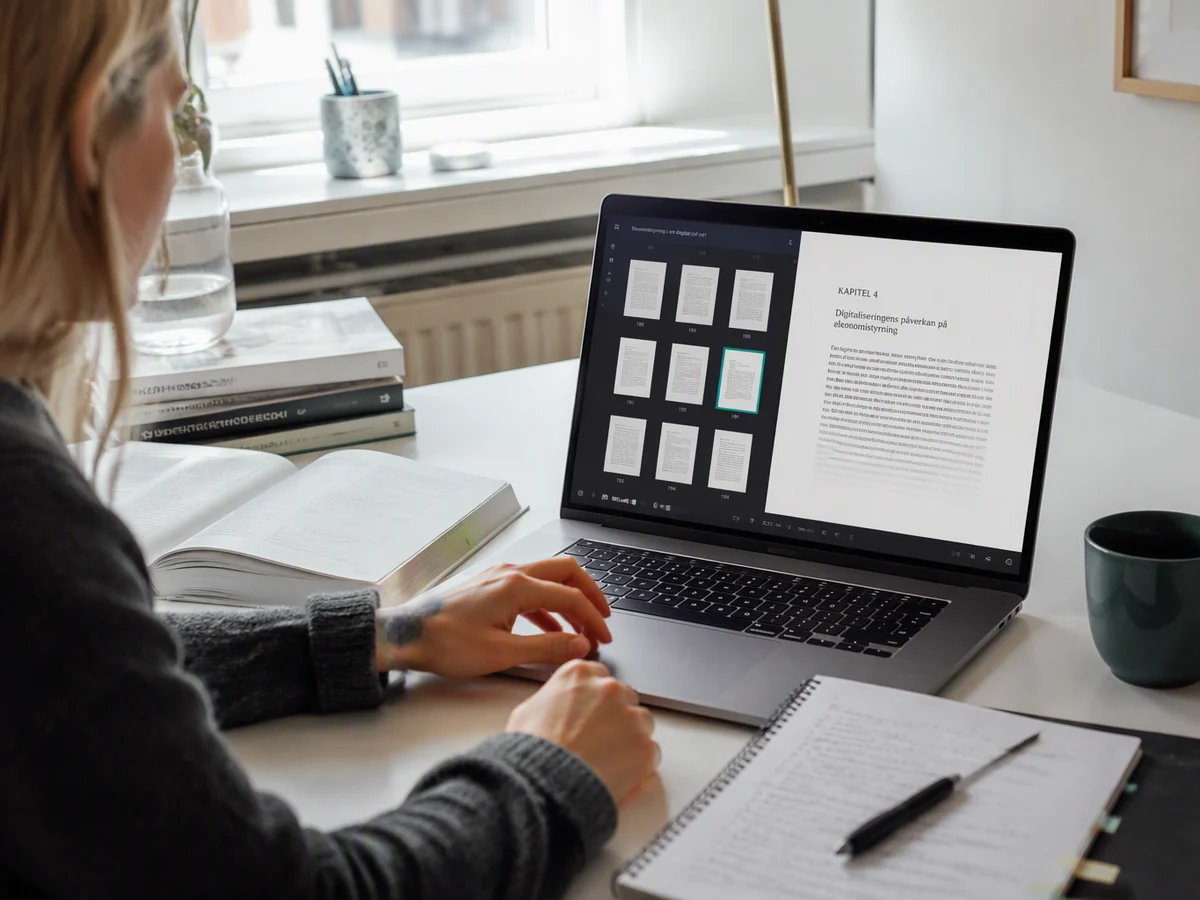
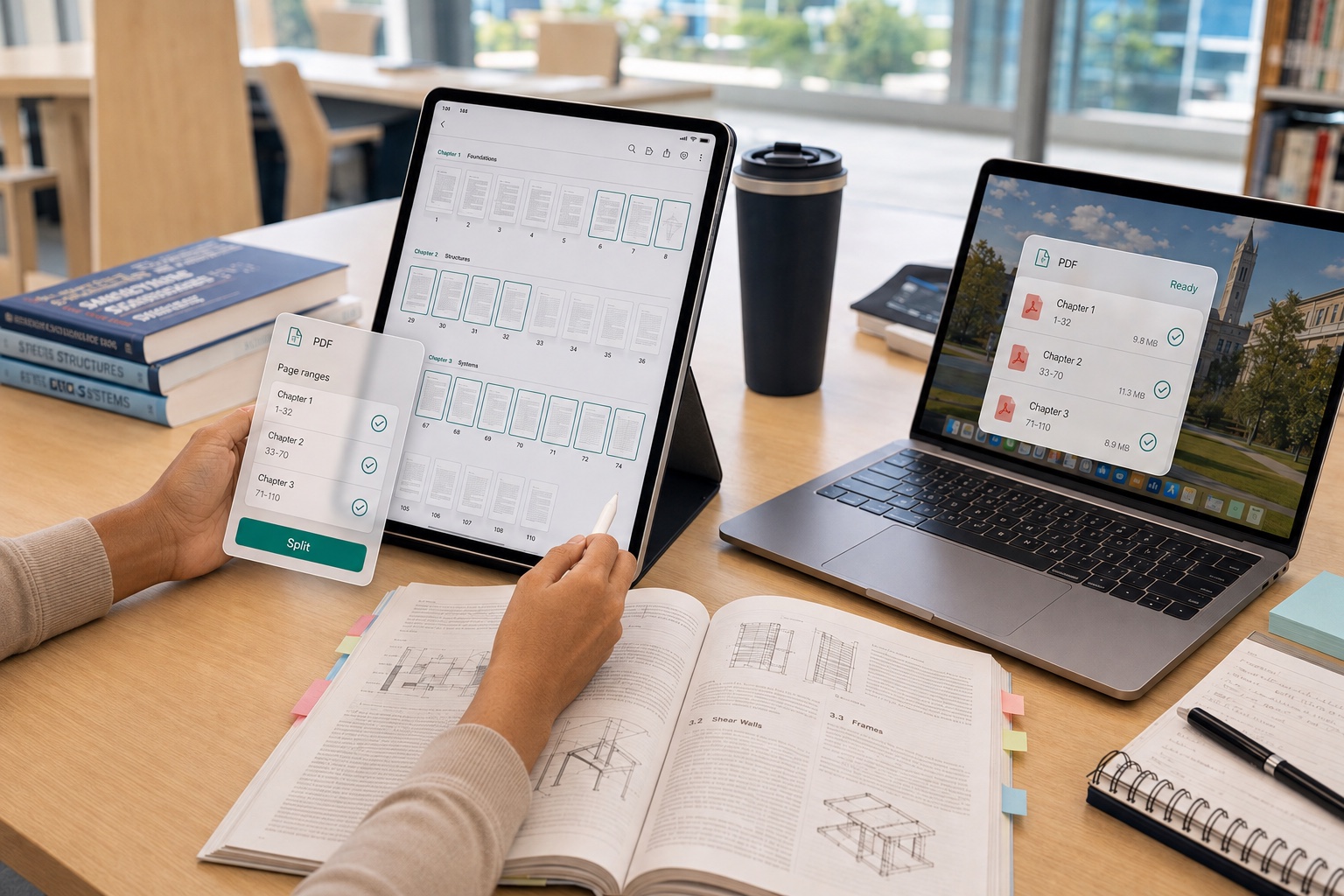
Want to split an entire book or long report into separate files by chapter so each department reads only its own part? The Document Extraction feature lets you select the pages for each chapter as needed, so every section becomes its own document. Distribution and reading stay organized, with no need to pass the whole file back and forth.

Split by Chapter for Clearer Reading

Split Large Files to Send by WhatsApp or Email

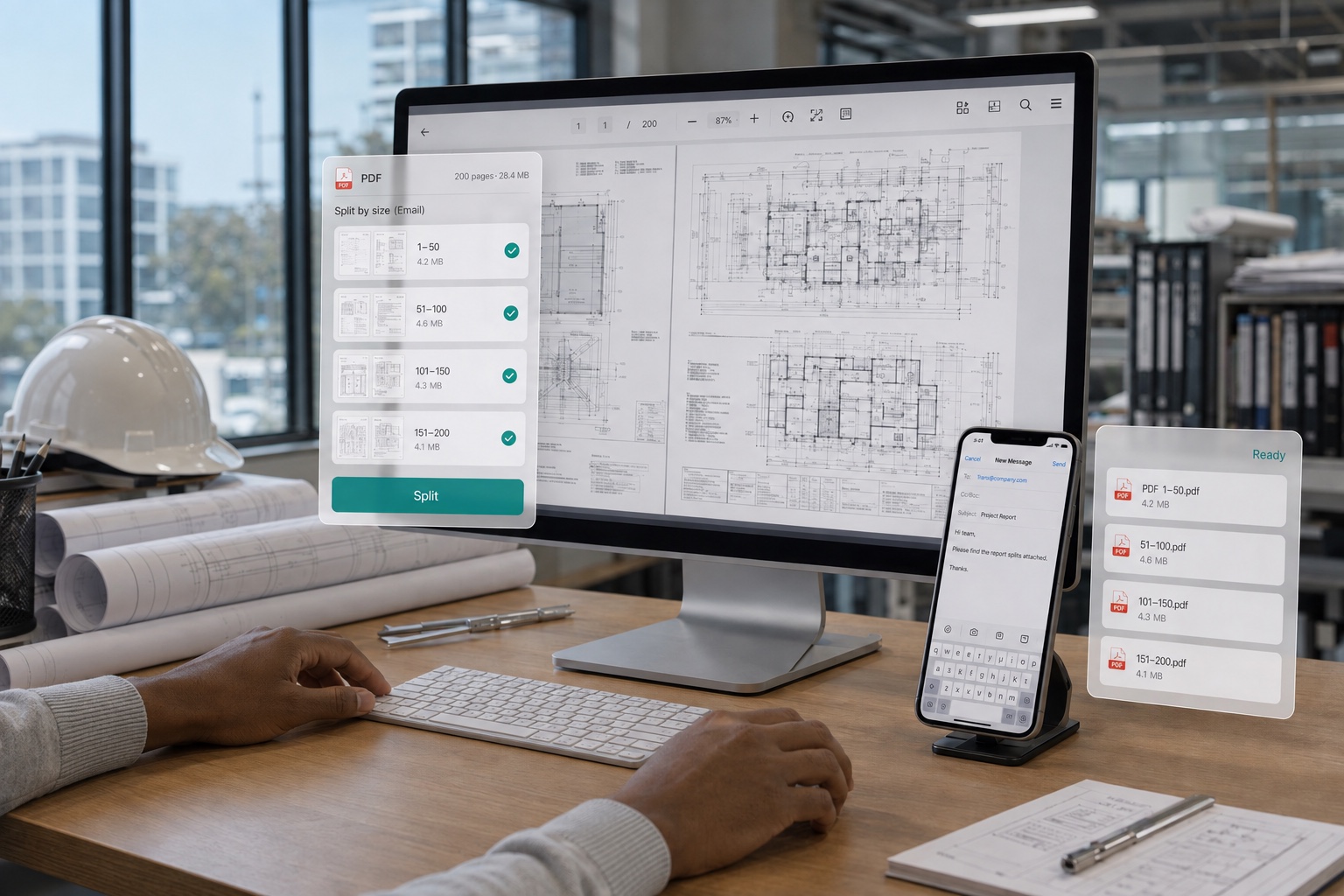
Is your PDF too big at several hundred megabytes to send over WhatsApp or email? Use the Document Extraction feature to split it into smaller files of around 20 MB each, easily staying under transfer size limits. Send them one by one and they'll all get through, so an oversized file is never a worry again.

Split Large Files to Send by WhatsApp or Email

What users say about CamScanner Split PDF

Emily Parker

Legal Professional

Every day I handle contracts, bids, and agreements, and I often need to pull specific clauses out to share on their own. Splitting PDFs by page in CamScanner lets me select exactly the pages I need and leave unrelated content out of the shared file. I can also file the split files by project, which makes later review, sending, and lookup easy.

Michael Bennett

Finance Professional

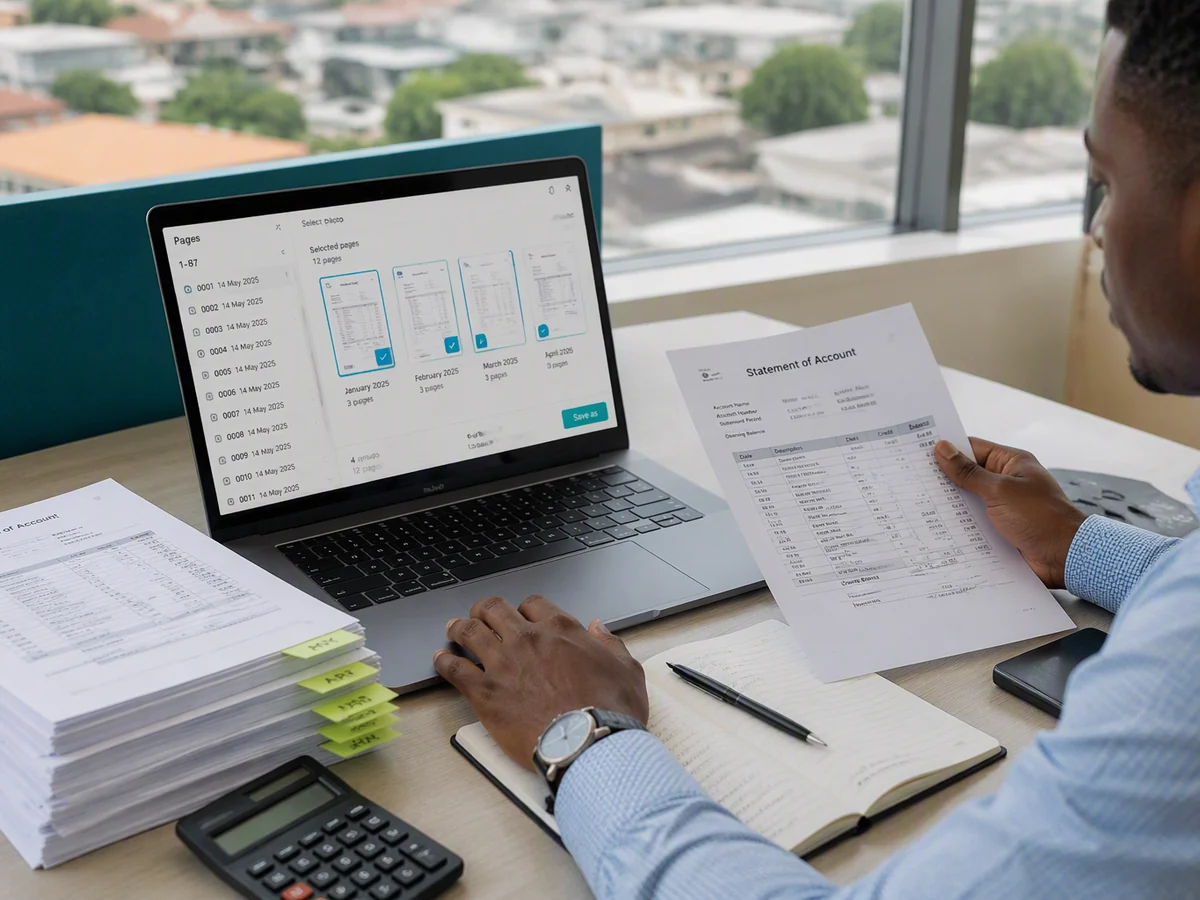
Large files often mix invoices, expense forms, and attendance sheets together, and reconciling them means I have to sort by document type. Splitting PDFs by page in CamScanner lets me quickly extract the relevant pages into separate files. Whether I'm checking figures, filing by category, or submitting for approval, it saves me a good deal of time.

Sophie Reed

Student

With hundreds of pages of papers, textbooks, and question banks, sometimes I just need to send one chapter to my advisor or print it for review. Extracting specific pages in CamScanner turns the chapter I need into its own PDF, so I don't have to dig through the whole file over and over. It's handy when I'm prepping for exams, turning in assignments, or sharing materials.

FAQ

Can I split a PDF for free?

Yes. You can split a PDF in your browser without installing anything.

Can I extract only the pages I need?

Yes. Select specific pages or a page range and save them in a separate PDF. This is useful for sharing a contract section, report excerpt, or study chapter without sending the whole document.

Can I delete, rotate, or reorder pages?

Yes. After uploading your PDF, you can select pages to delete, rotate pages using the rotation controls, and drag them into a new order before downloading the finished document.

Will splitting change the layout of my PDF?

Splitting extracts existing pages rather than converting them to another format. It is not intended to change the text, images, or layout within those pages. Any rotation or reordering you apply will be reflected in the downloaded file.

Can I split a scanned PDF?

Yes. You can extract pages from a scanned document saved as a PDF. The tool works with whole pages; it does not extract individual paragraphs or make scanned text editable.

Can I split a PDF on Mac or mobile?

Yes. Use the online Split PDF tool in your browser on a computer or mobile device, without installing software. You can also extract document pages in the CamScanner mobile app.

Is my data secure when splitting PDFs?

Yes. Files are encrypted in transit and never shared with third parties. CamScanner is certified to ISO/IEC 27001, ISO/IEC 27701, and ISO/IEC 20000.

Can I combine the extracted PDFs again?

Yes. CamScanner's Merge PDF tool does the reverse — upload your PDF files, arrange them in the order you want, and combine them into a single document.

CamScanner on the Web

Use Split PDF directly in your browser, with no installation.

CamScanner Mobile App

Scan the QR code to download the app, and capture with enhancement in one step.

QR code to download CamScanner
Terms of Service|Privacy Policy|Security & Compliance|AI Agent|FAQ|Blog
Follow us
© 2026 INTSIG. All rights reserved.
CamScanner

Cookies Settings

These cookies are essential in order to enable you to move around the website and use its features. Without these cookies services you have asked for cannot be provided.

We'd like to set Google Analytics or Baidu Analytics cookies to help us to improve our website by collecting and reporting information on how you use it. The cookies collect information in a way that does not directly anyone. For more information on how these cookies work, please see our 'Cookies page'.